
April 20, 2026
Sending Advanced Reader Copies (ARC)
This tutorial will explain how to use Curios to safely send your Advanced Reader Copies out (ARC)
Note: Step 4 requires a membership to Curios, either the Lite, Plus, or Pro plan. Free trial accounts cannot use private pages.
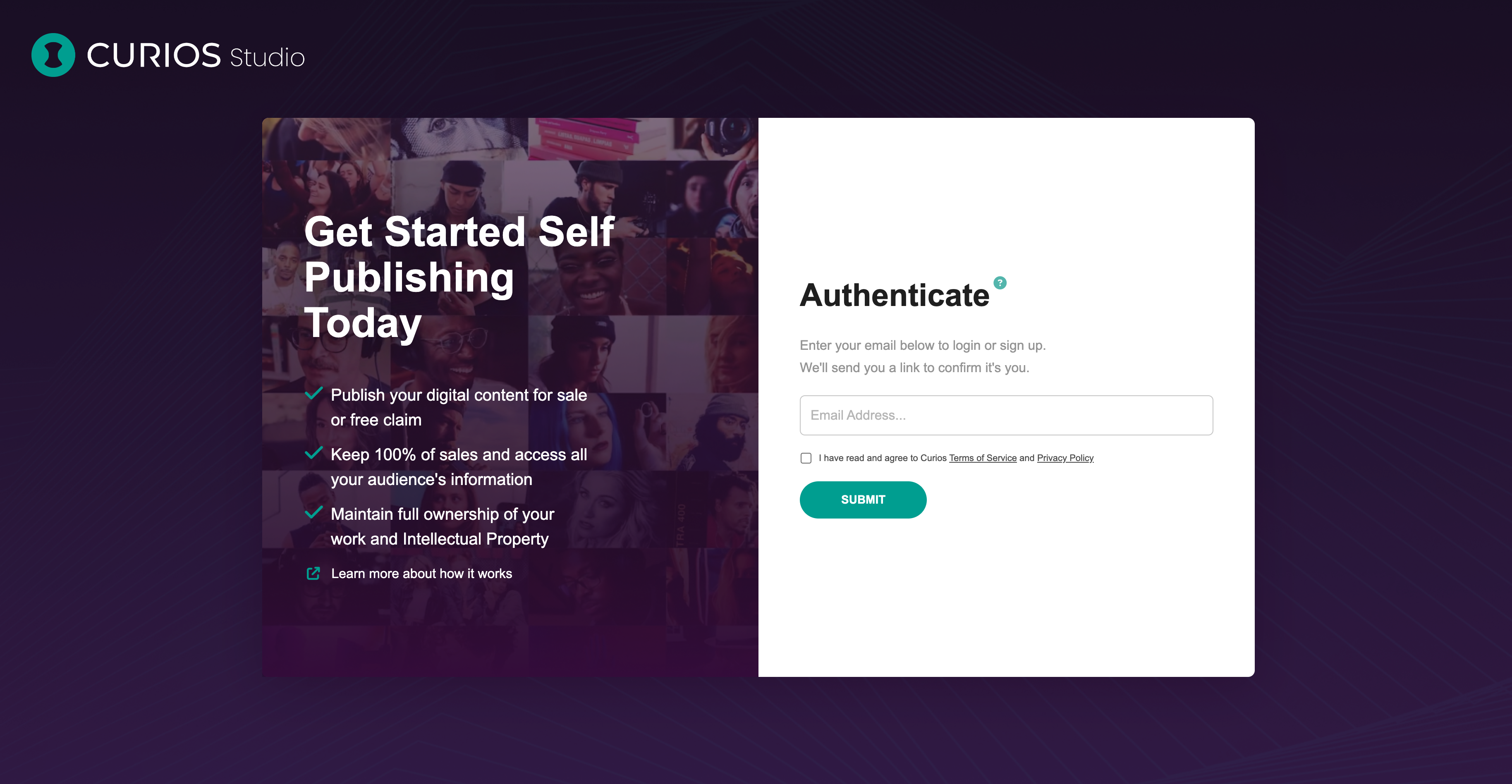
Step 1: Login into studio.curios.com
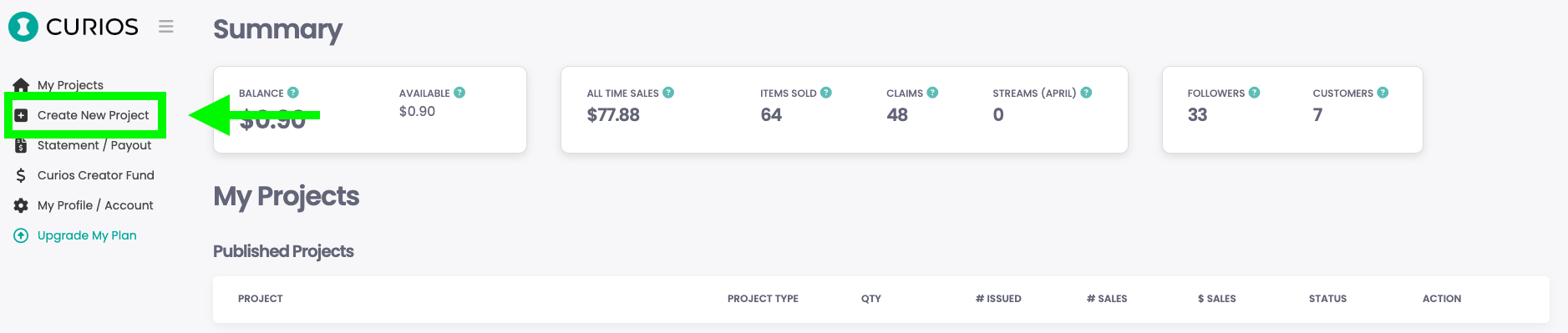
Step 2: Upload the ebook or audiobook to Curios using the "Create New Project" button
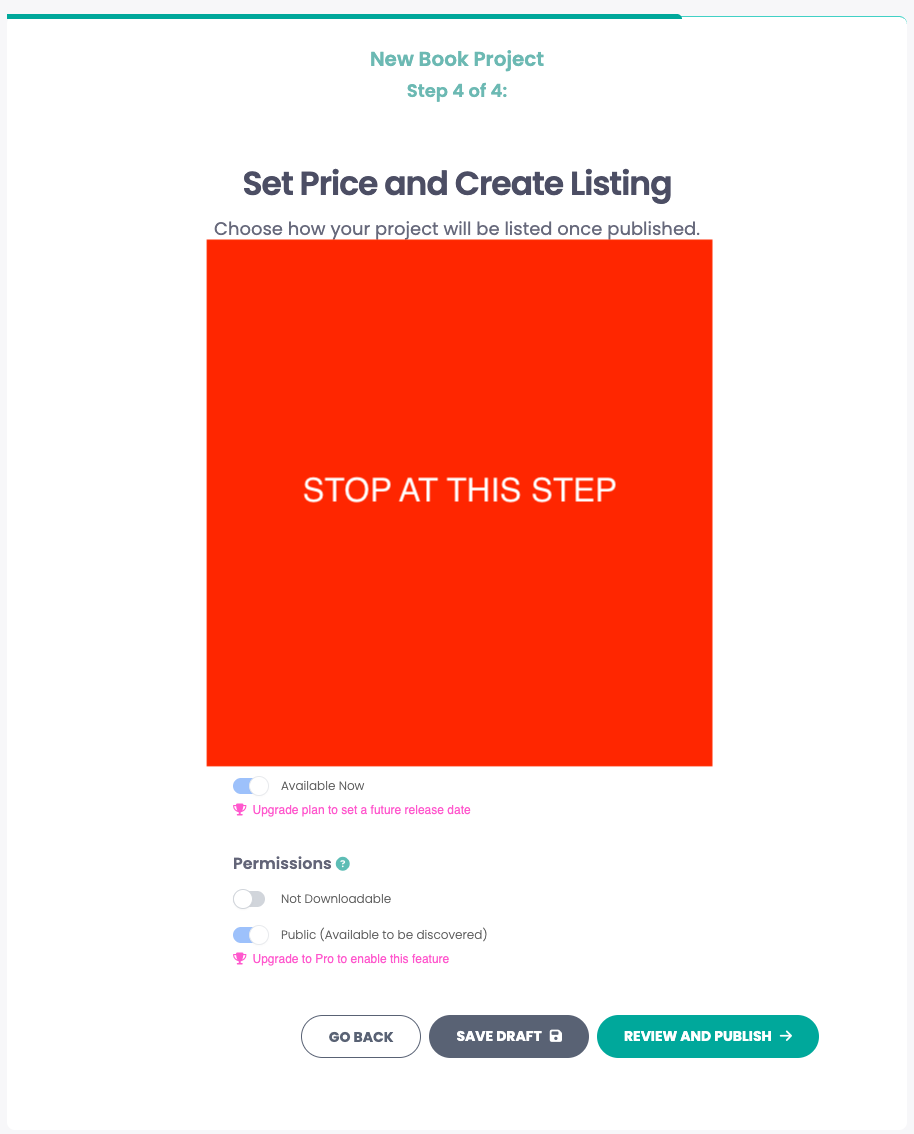
Step 3: Follow steps 1-3 in the "Create New Project" workflow, but stop at Step 4
Step 4: Set the Listing Type to "Free (Claim)" and set the permissions to be "Private"
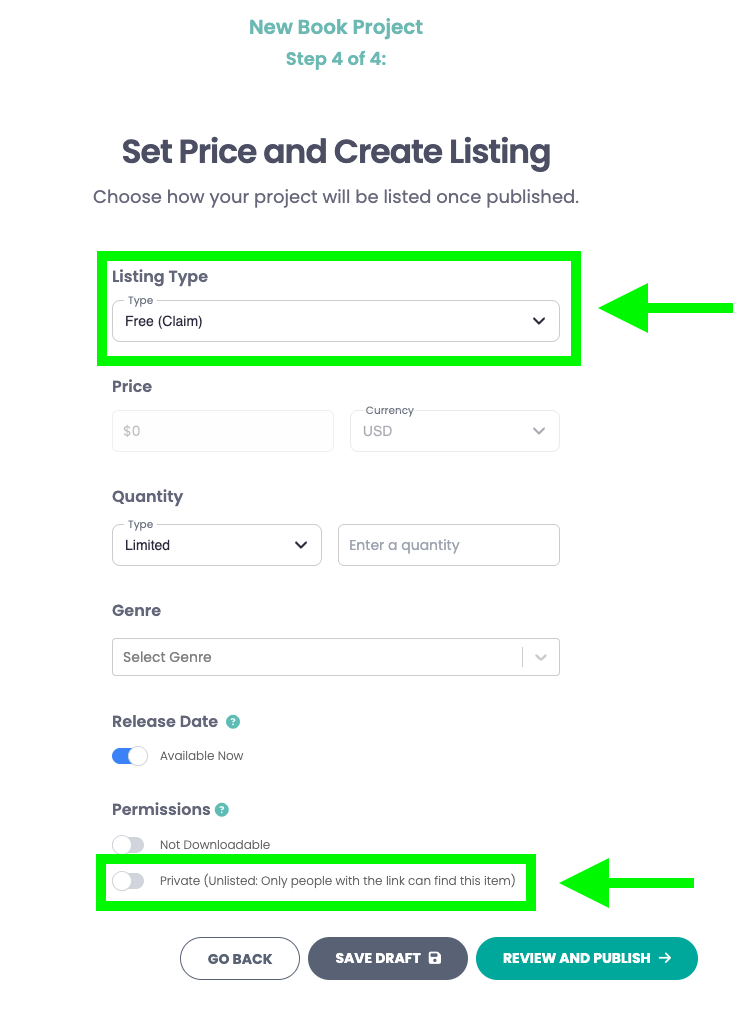
These two items allow your ARC readers to access the files for free, and ensures that only people who receive the link will be able to access the files.
Step 5: Hit the Review and Publish button
Because you set this item to be Private, no one will be able to find this item unless you send them a specific link. You will be able to find out if the link was shared and if any other people accessed the files.
Step 6: Share the link to the files with your ARC Readers
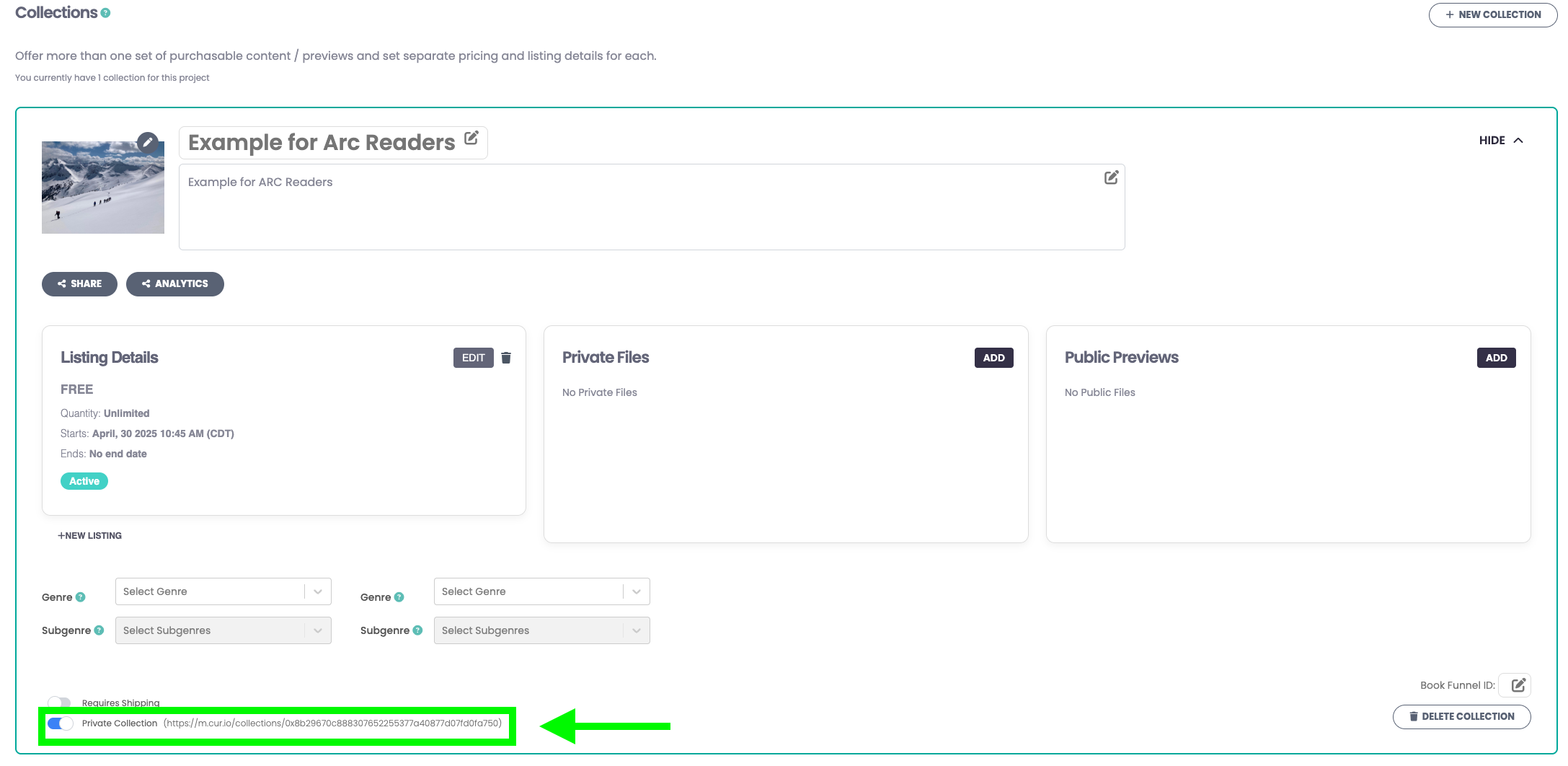
Copy the link in the collection and email that to your ARC readers.
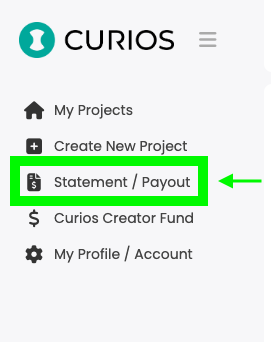
Step 7: Navigate to the "Statement / Payout" menu to track which readers have accessed the book
As always if you have any questions or run into issues please reach out to [email protected] anytime.
Ready to sell direct and keep 100%?
No credit card required. Join creators building real businesses on their own terms.