
Scanning Tickets Bought on Curios / How to Work The Door
On this page
Step 1: Head to Scan.curios.com
Whoever is working the door will head to scan.curios.com on their mobile device.
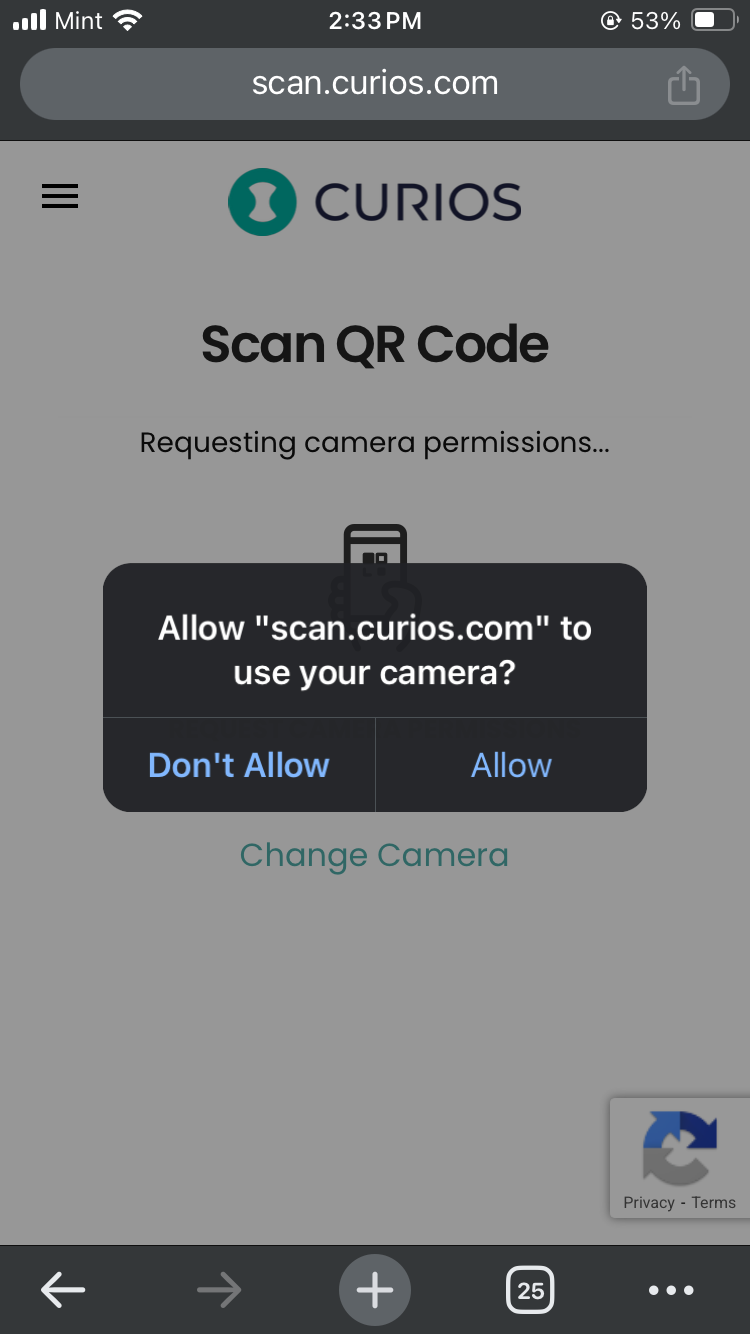
Step 2: Allow Camera Permissions
Whoever is scanning tickets will simply press the request camera permissions, hit allow, and then begin scanning.
Step 3: Scan Away
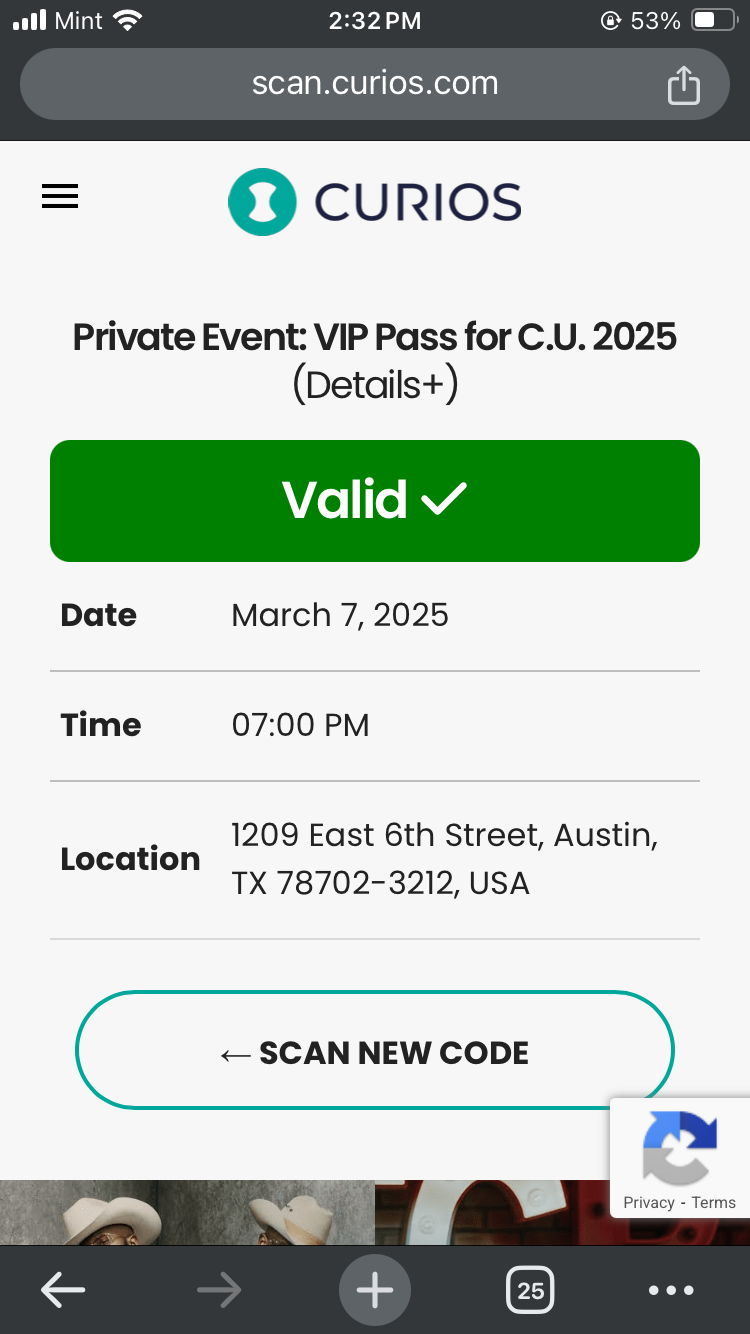
When a scan is successful whoever is working the door will see a green success bar along with the specific information about the ticket.
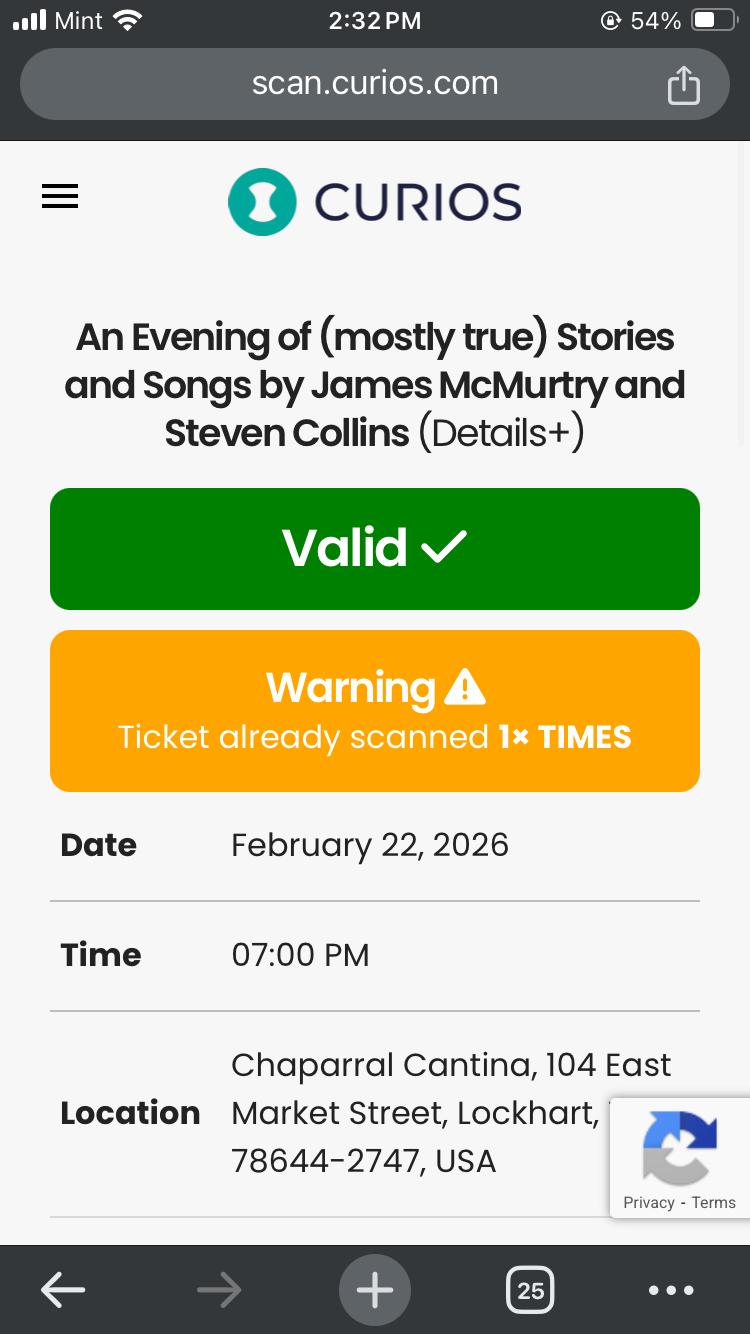
If a ticket has been scanned multiple times, the scanner shows the count so the door can choose to re-allow access or not.
Step 4: Scan the next code
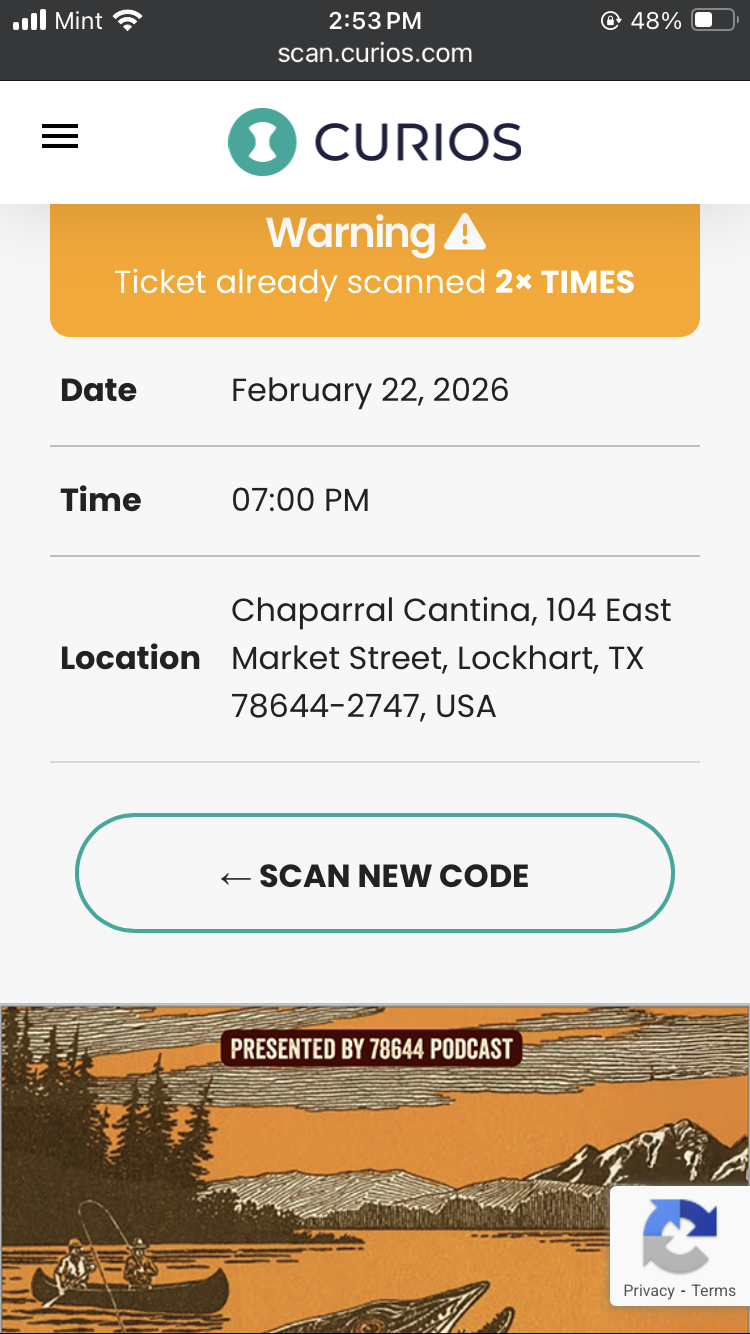
To scan the next code, simply scroll down after scanning a code until you see "Scan New Code". Tap that button and the camera pops back up.
Common Door Questions
1. Where is my ticket?
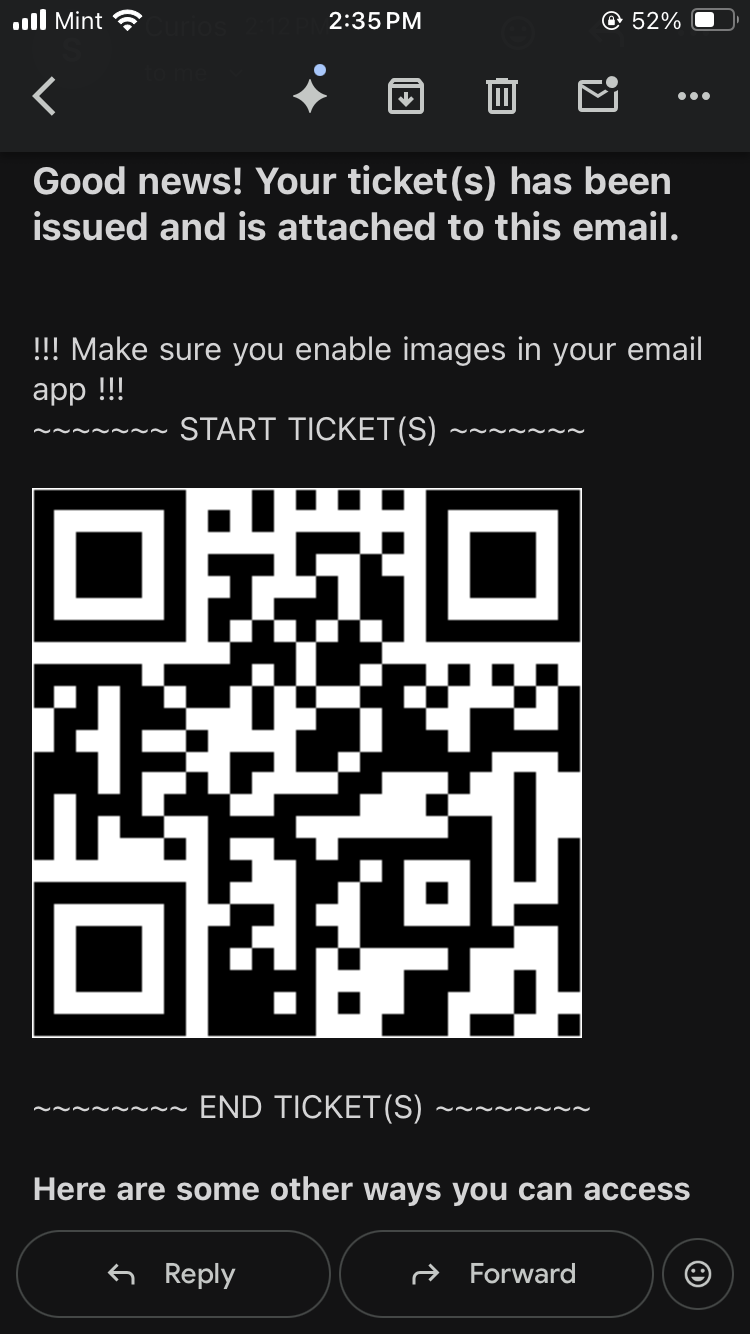
Buyers of tickets immediately get emailed a version of their ticket. They can head to their email, search "Curios" and they should see the ticket.
Tickets are also in the Curios app. They can login with their email address that they used to buy the ticket and it will be right there waiting for them under the Ticket Tab.
2. My Friend Bought My Ticket
Tell them to tell their friend to forward them the email with their ticket in it. If a person bought multiple tickets there will be multiple QR codes, so you can scan several.