
Self Fulfilled Shipping on Curios
On this page
You can sell physical books, including paperbacks, hardcovers, special editions, signed books, merchandise, and any combination of the above on Curios.
Note: This is currently in private beta, if you want access to this feature please email [email protected].
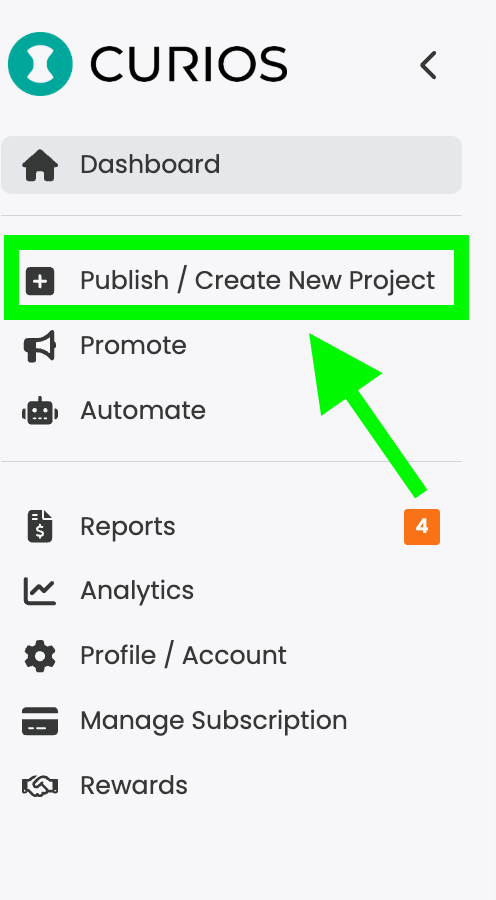
Step 1: Login to studio.curios.com and click "+ Publish/ Create New Project"
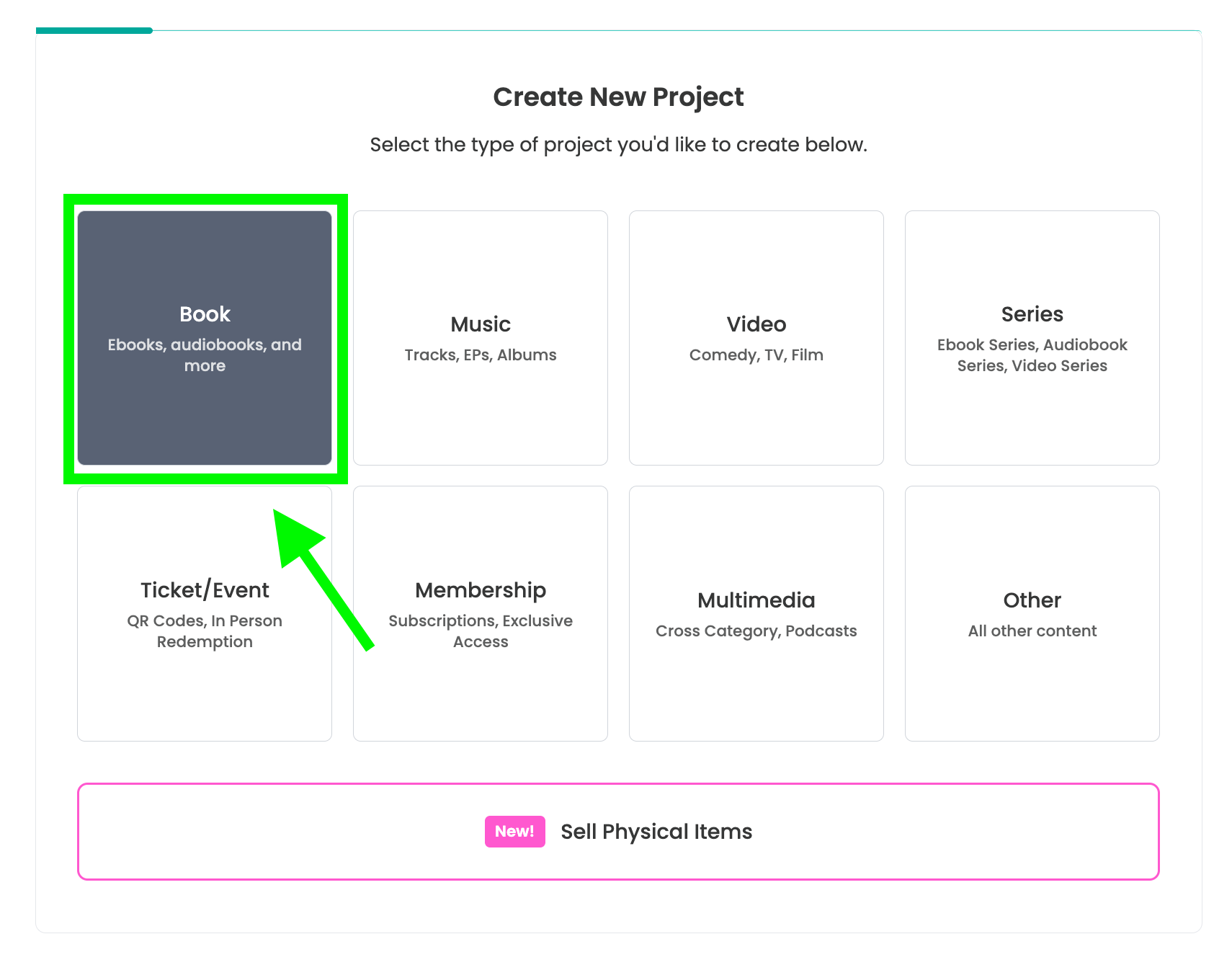
Step 2: Select "Book" from the Project Types
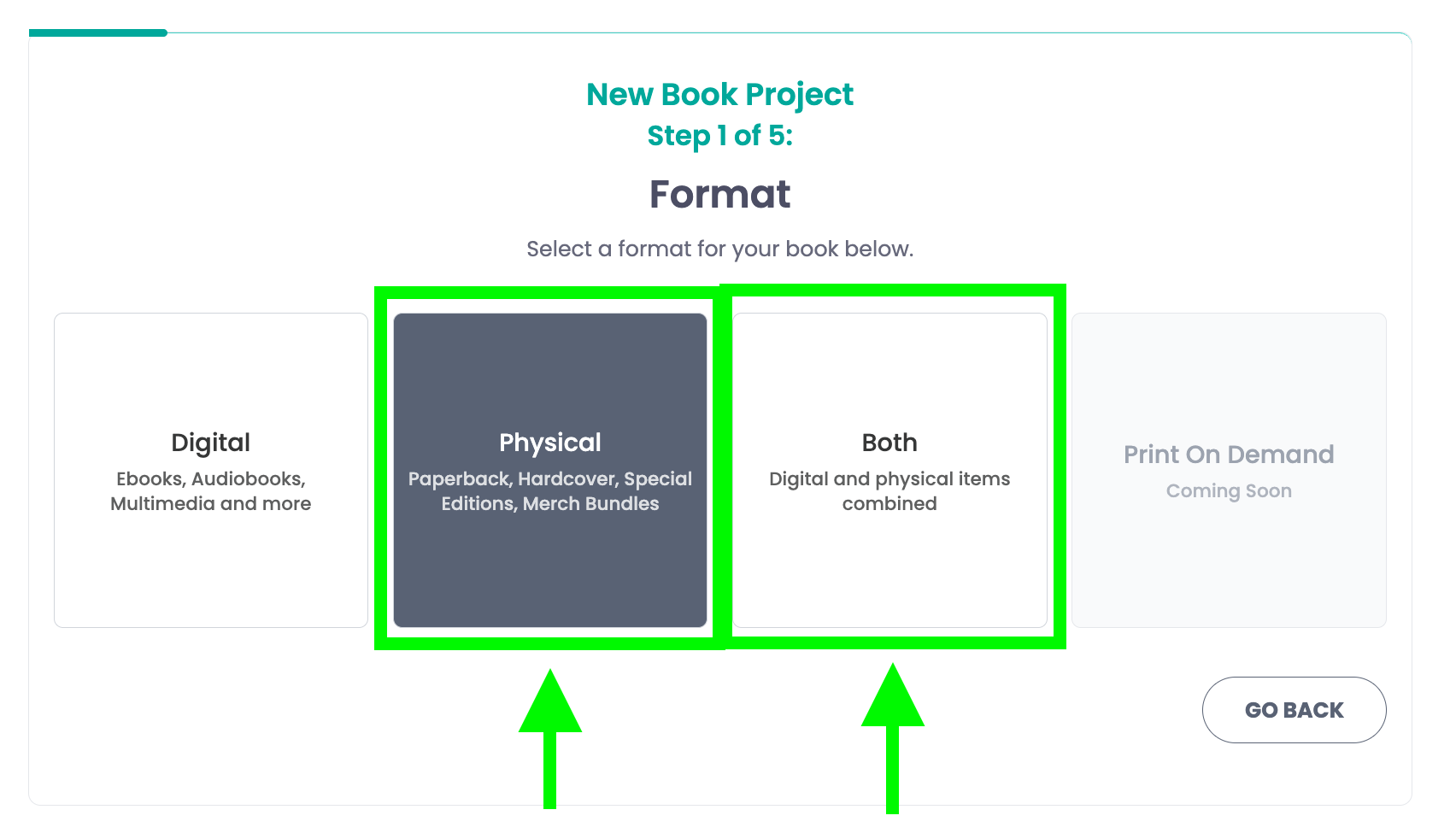
Step 3: Select either physical or both
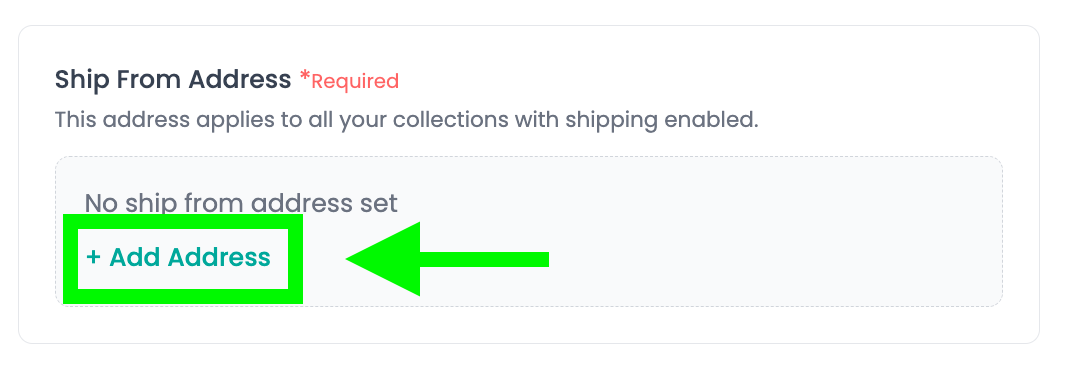
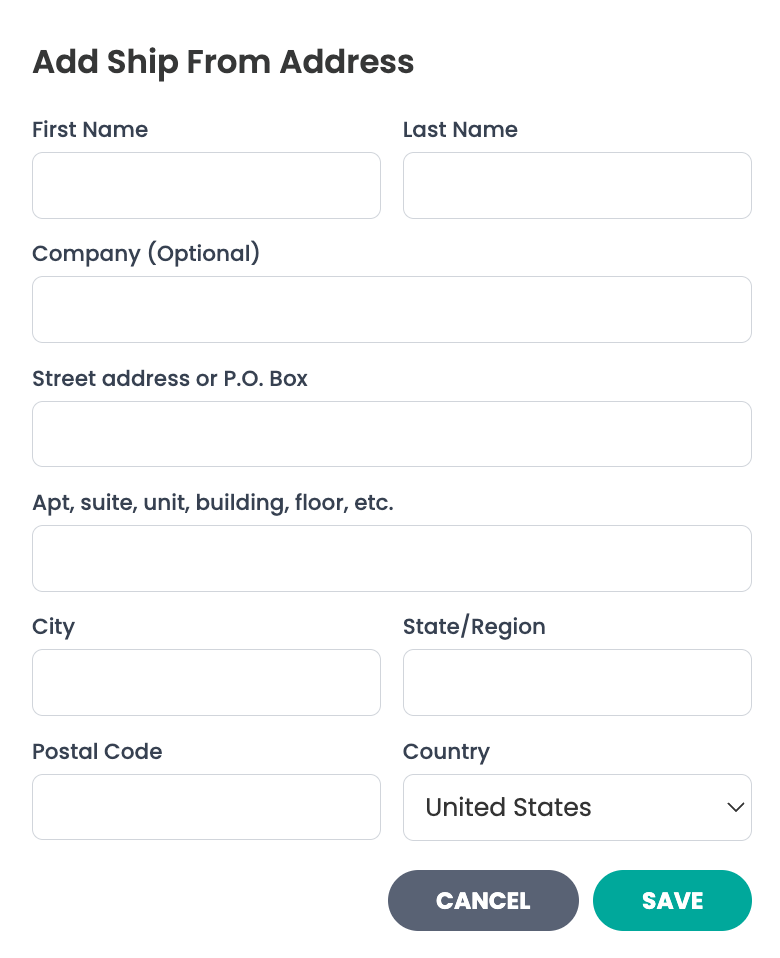
Step 6A: Set your "Ship From Address"
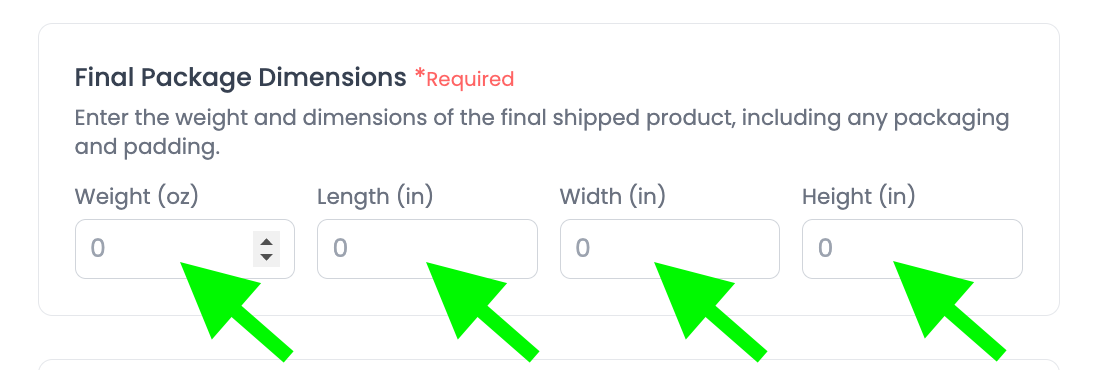
Step 6B: Enter the Package Dimensions
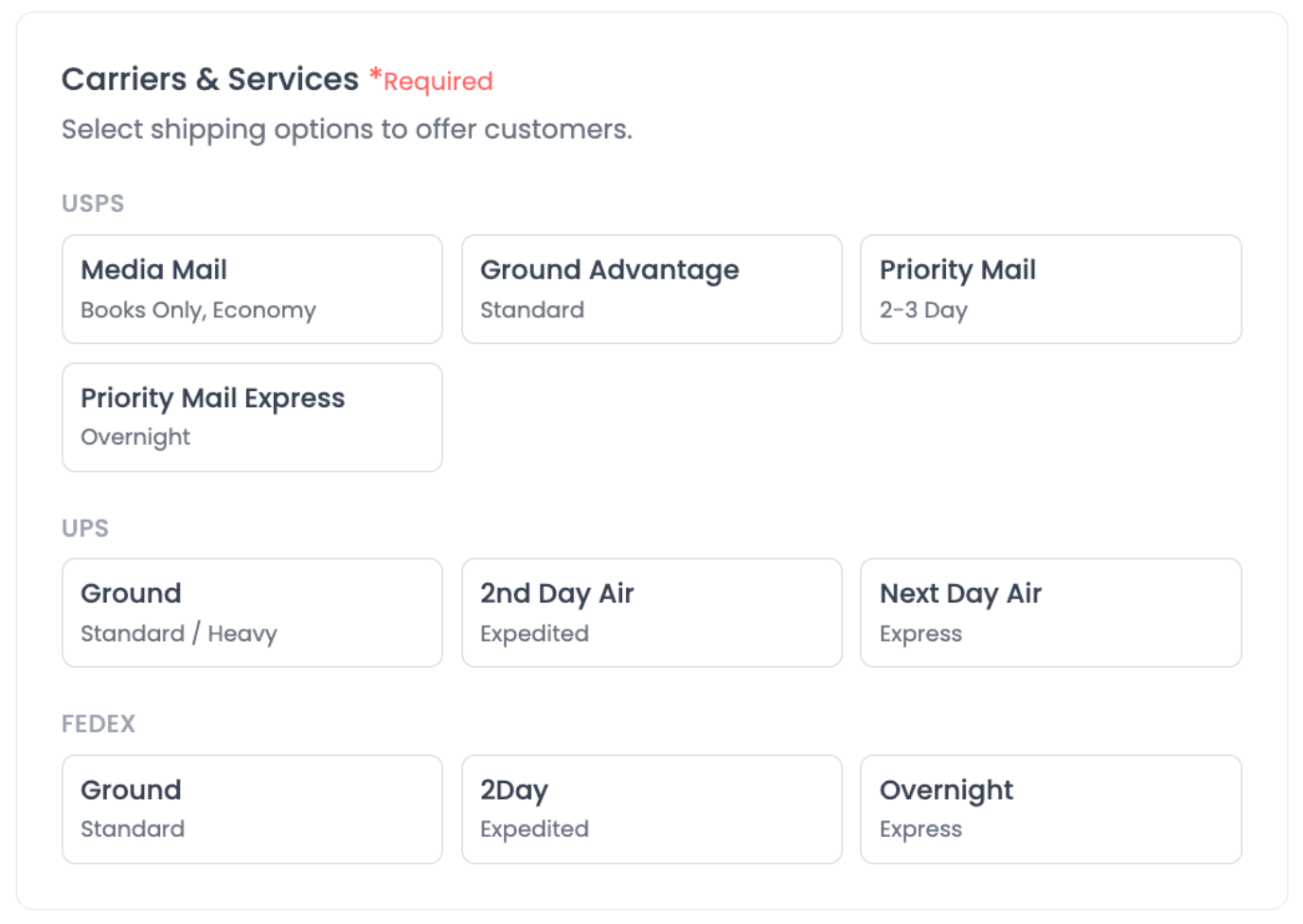
Step 6C: Select carriers and shipping speeds
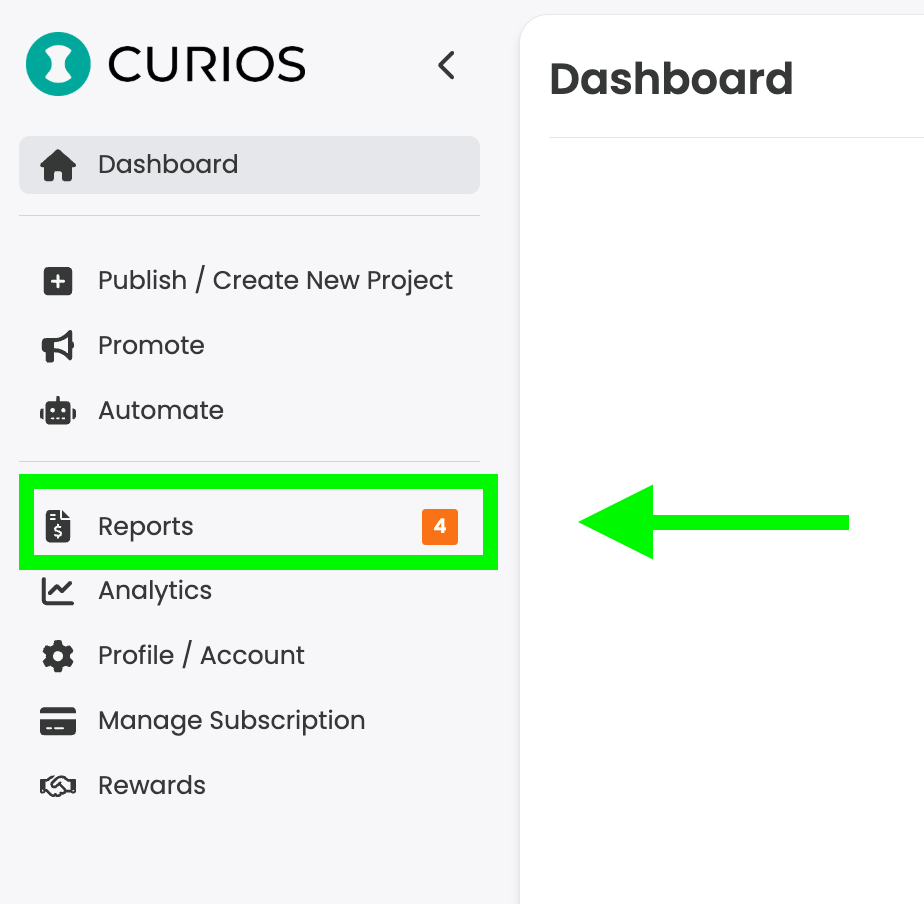
Step 9: Locate Your Orders That Require Shipping
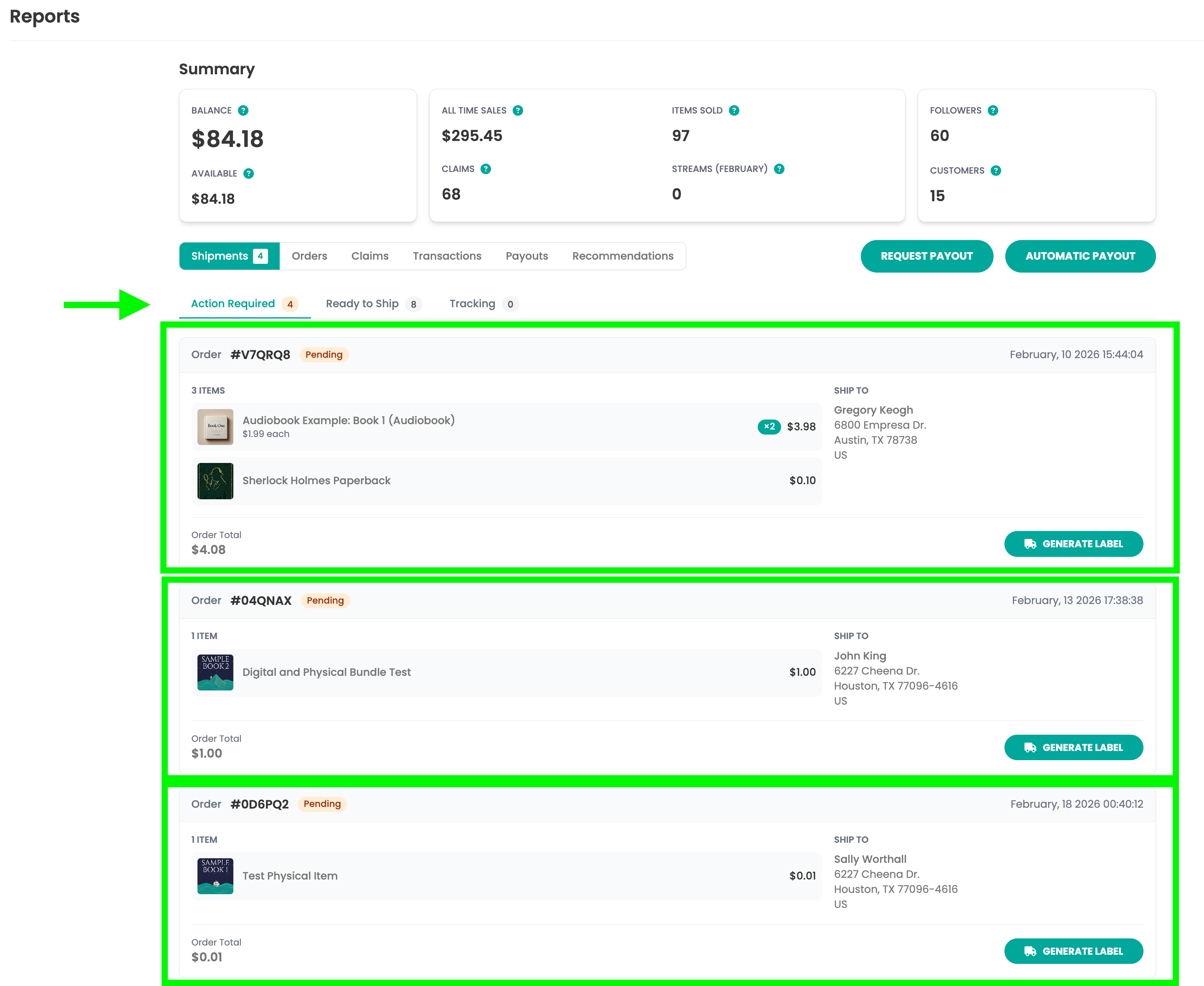
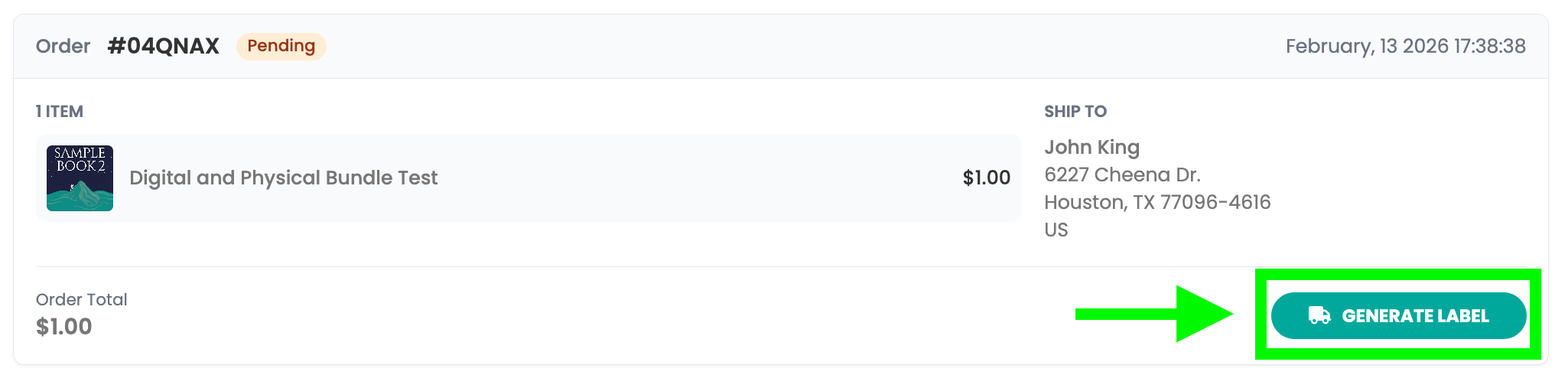
Step 10: Generate Shipping Label
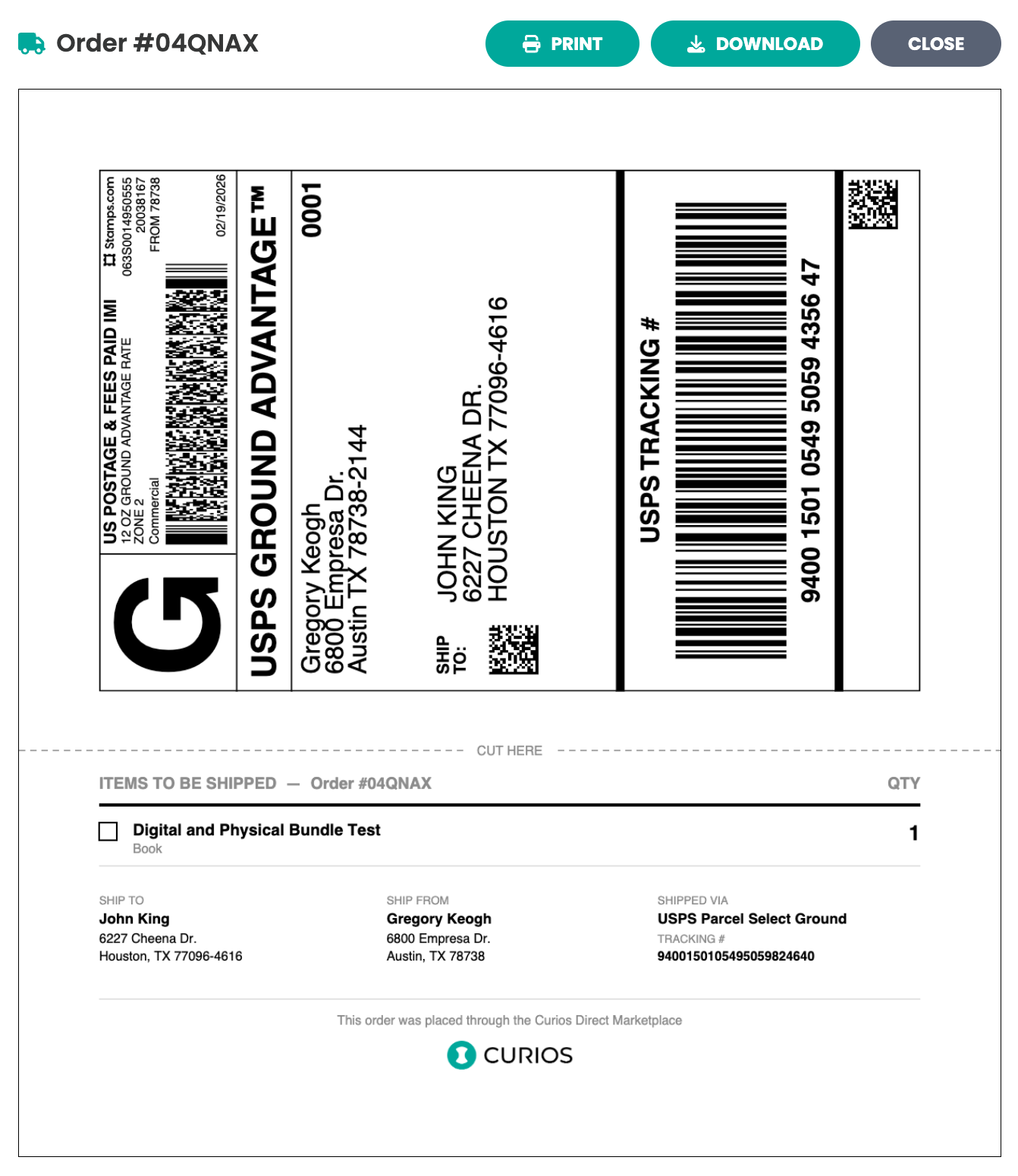
Step 11: Apply the label and drop off with the appropriate carrier
- USPS packages need to be brought to a US Post Office
- UPS packages need to be brought to a UPS Store or accepted location
- FedEx packages need to be brought to a FedEx store or accepted location
If you run into any issues you can always contact Curios support, we are here to help!
Related articles
- TutorialConnect BookFunnel to Your Curios AccountLearn how to connect your BookFunnel account to Curios and add BookFunnel as an additional delivery option for your ebooks and audiobooks.
- TutorialAdd a Book to an Existing SeriesLearn how to add a new book to an existing series on Curios. Step-by-step guide covering collection creation, format selection, and series management.
- TutorialSelf Fulfilled Shipping for AuthorsLearn how to sell physical books, including paperbacks, hardcovers, special editions, signed books, merchandise, and any combination of the above on Curios.