
Connect BookFunnel to Your Curios Account
On this page
If you have a BookFunnel account then you can add BookFunnel as an additional delivery option on Curios for any ebooks or audiobooks.
Setting this up requires two major steps: Connecting your BookFunnel account to Curios and adding your BookFunnel Book ID to any books on Curios.
Connecting Your BookFunnel Account to Curios
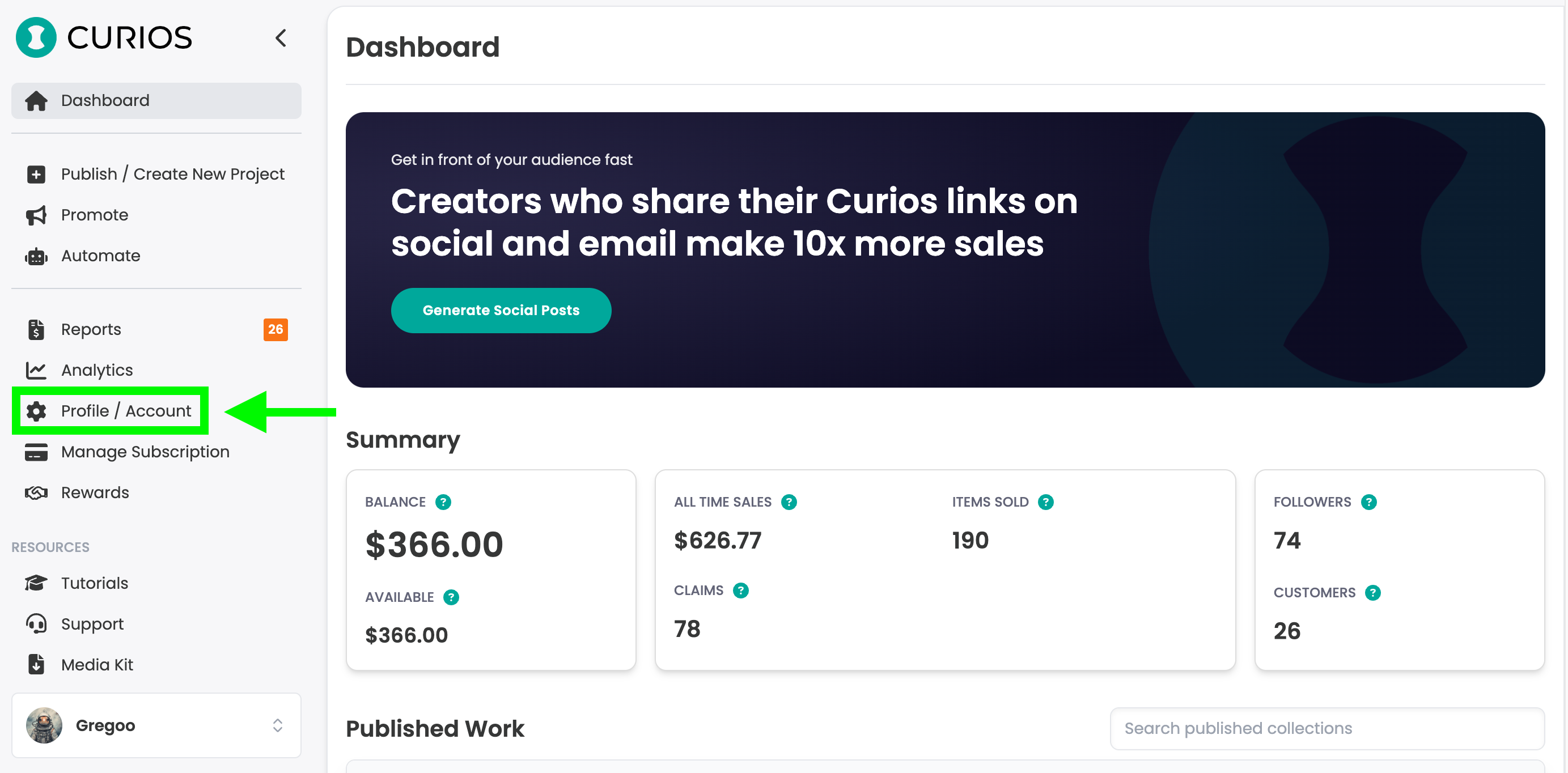
Step 1: Login to studio.curios.com and click "Profile/Account"
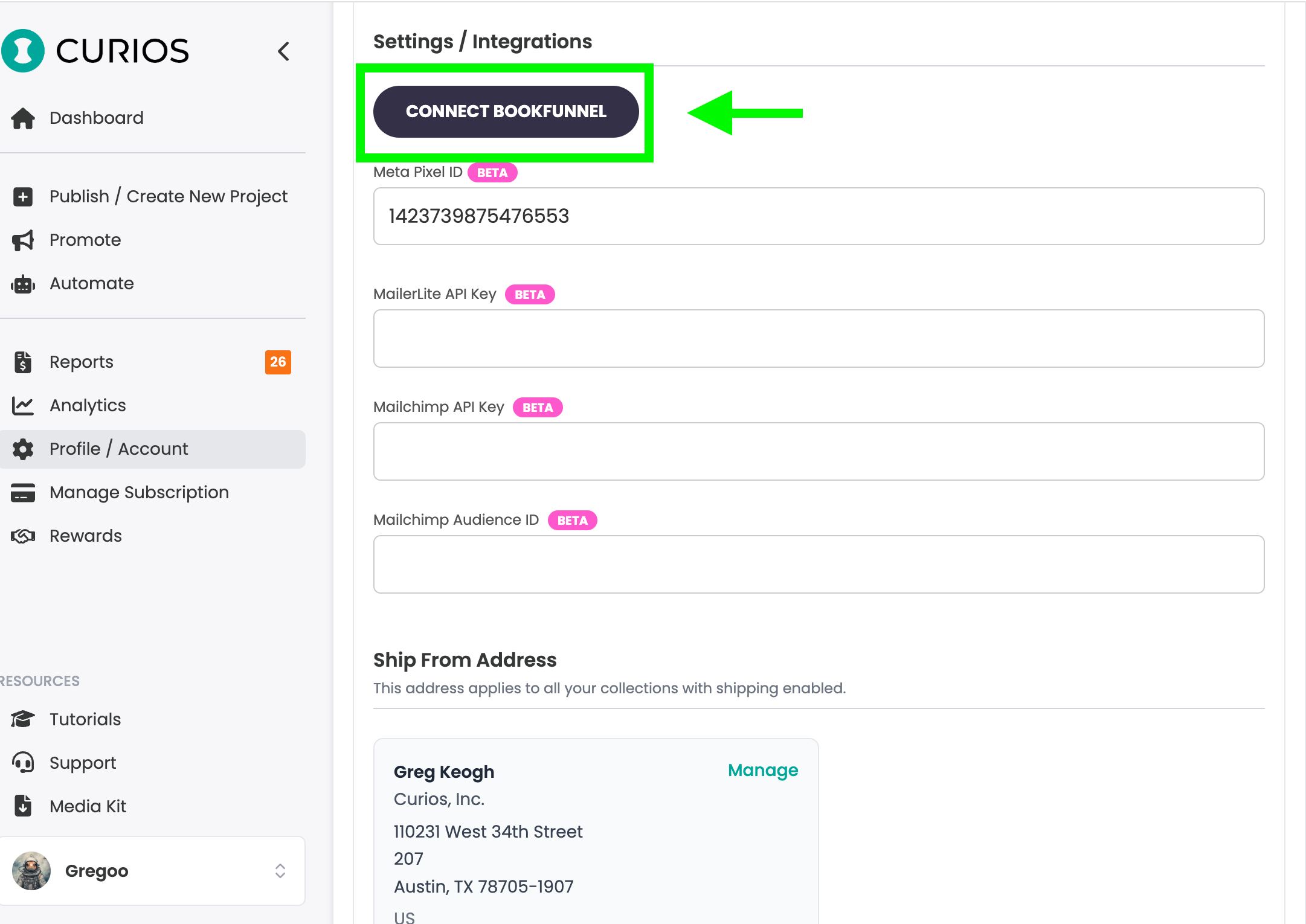
Step 2: Scroll down to the "Settings / Integrations" section and click "Connect BookFunnel"
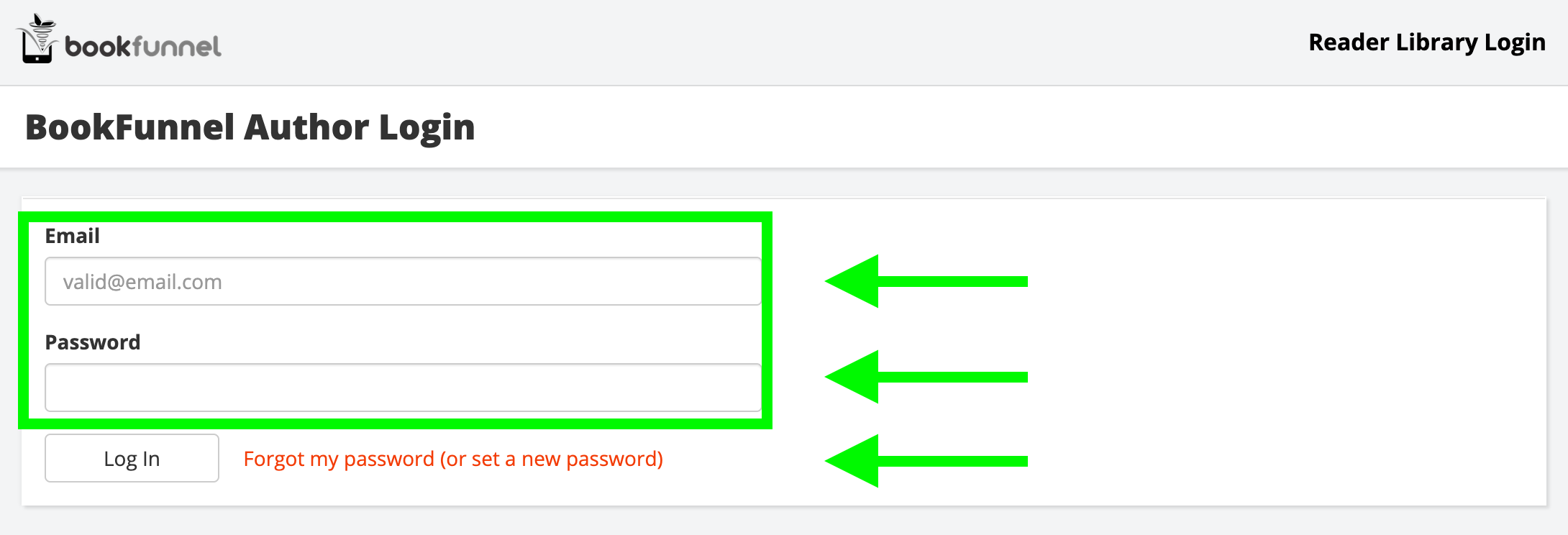
Step 3: Enter your BookFunnel account email and password and click "Login"
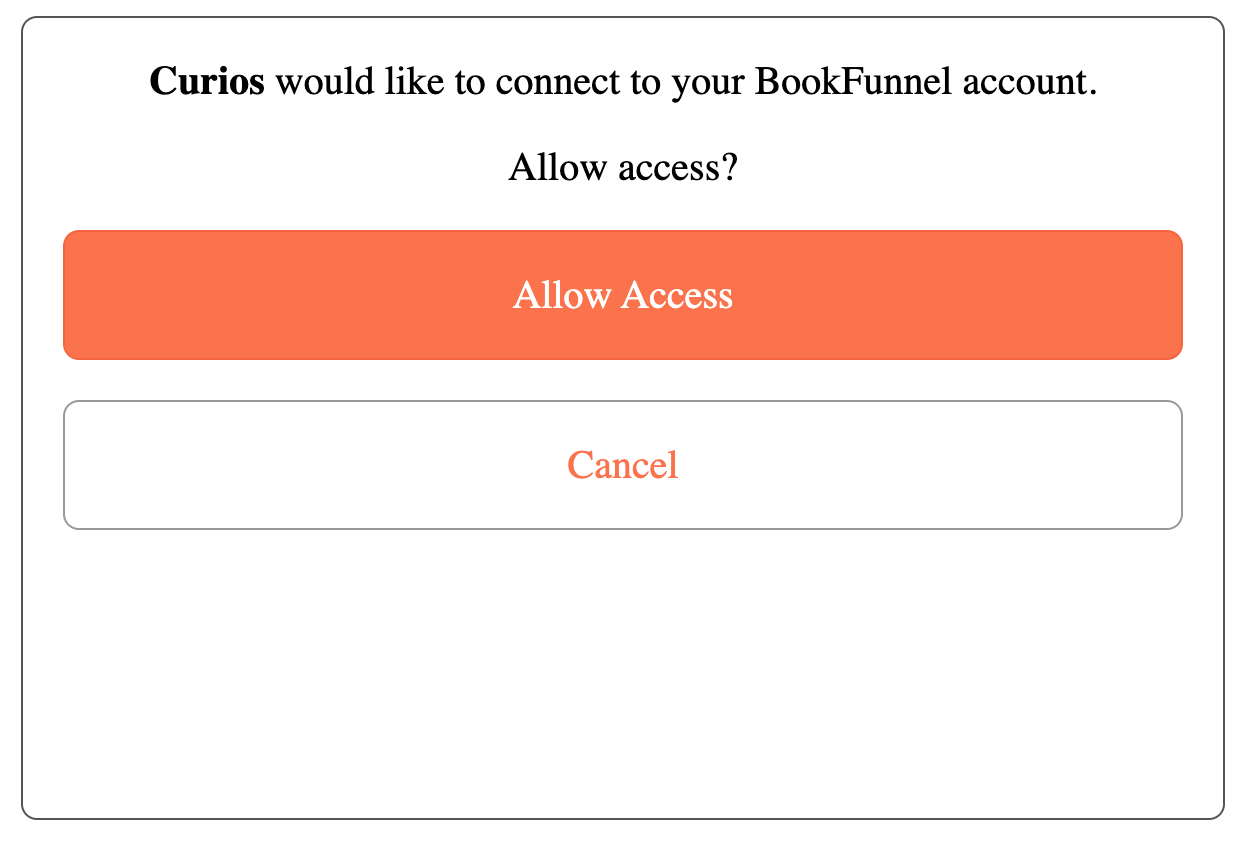
Step 4: Click "Allow Access"
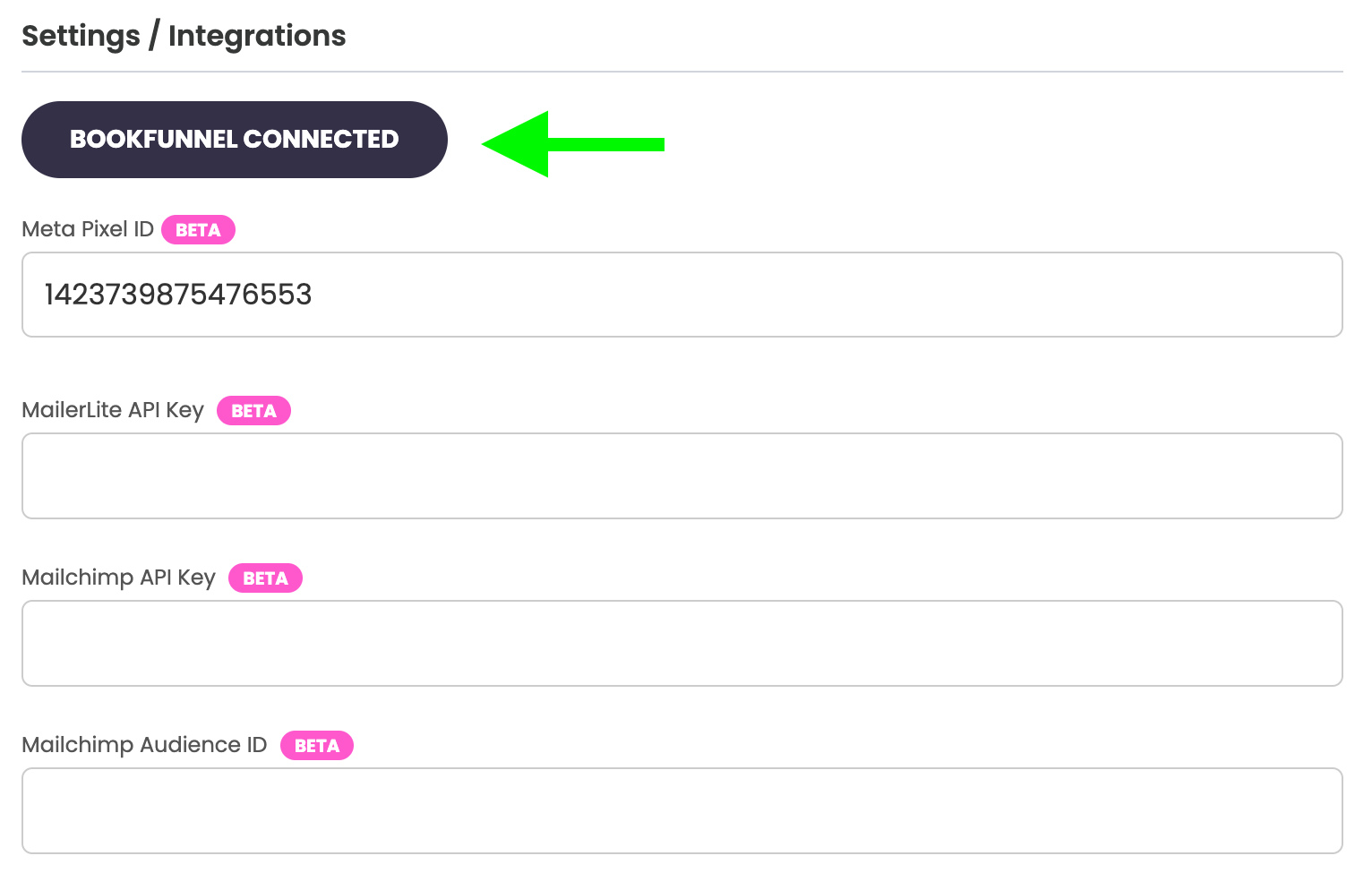
Step 5: You will see that your BookFunnel account is connected to Curios. To remove simply click this button again.
Adding Your BookFunnel Book ID to Any Books on Curios
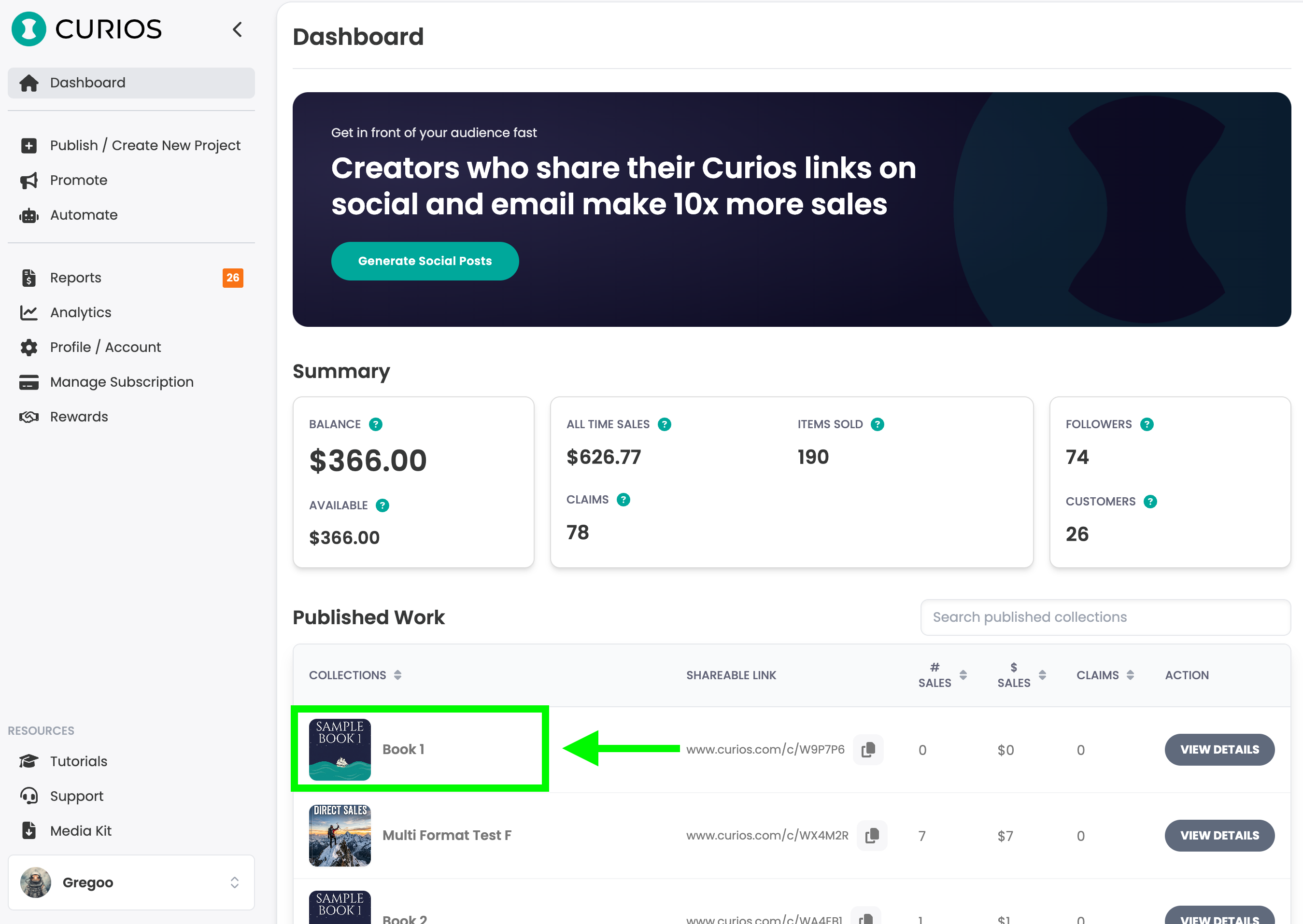
Step 6: On the dashboard of studio.curios.com, click on the Book you would like to add BookFunnel delivery to.
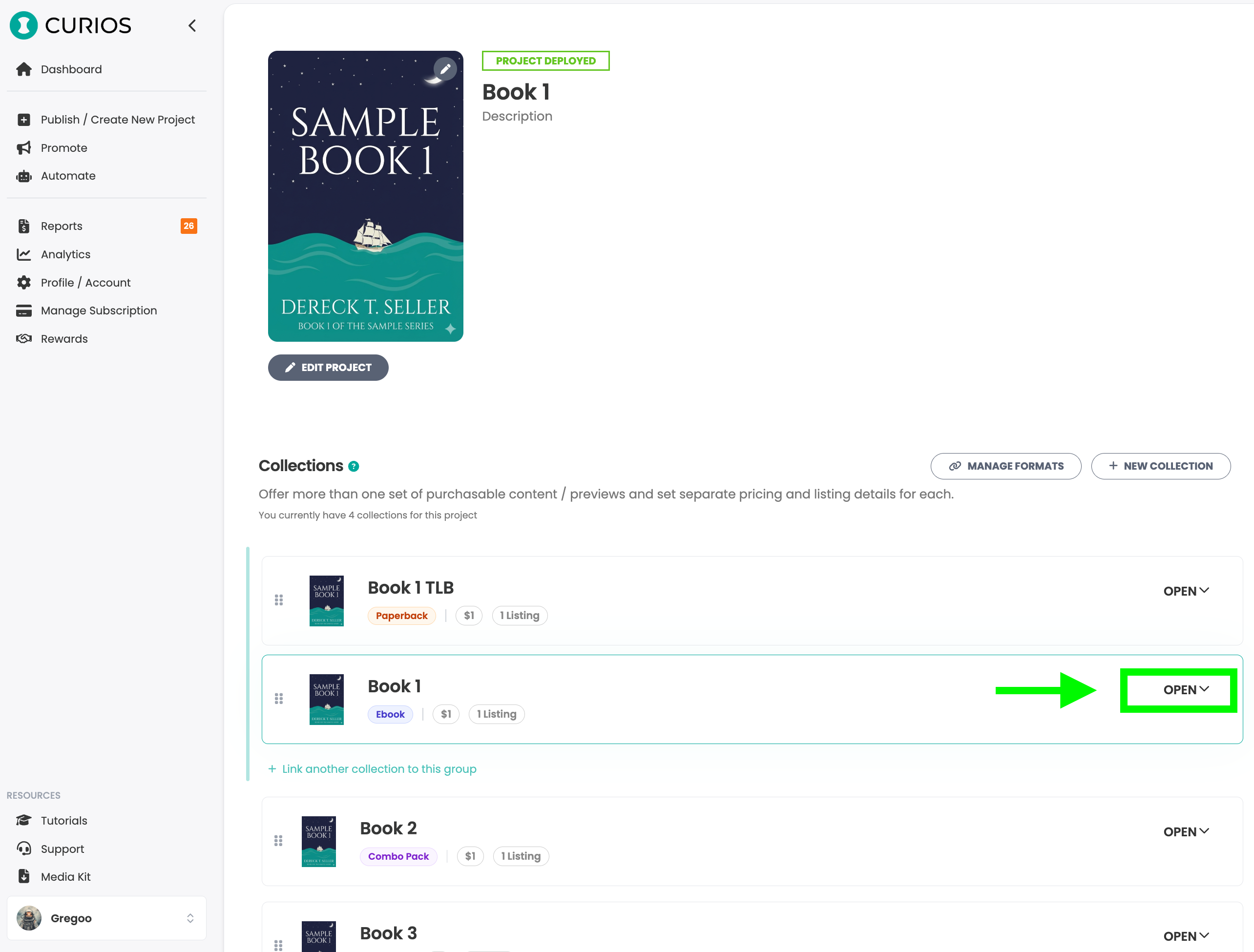
Step 7: If there are multiple formats or if this book is part of a series, click Open next to the book and format you'd like to add BookFunnel delivery to.
Step 8: Toward the bottom of this book's details you will see a box where you can enter a BookFunnel ID. Enter this book and this format's BookFunnel ID.
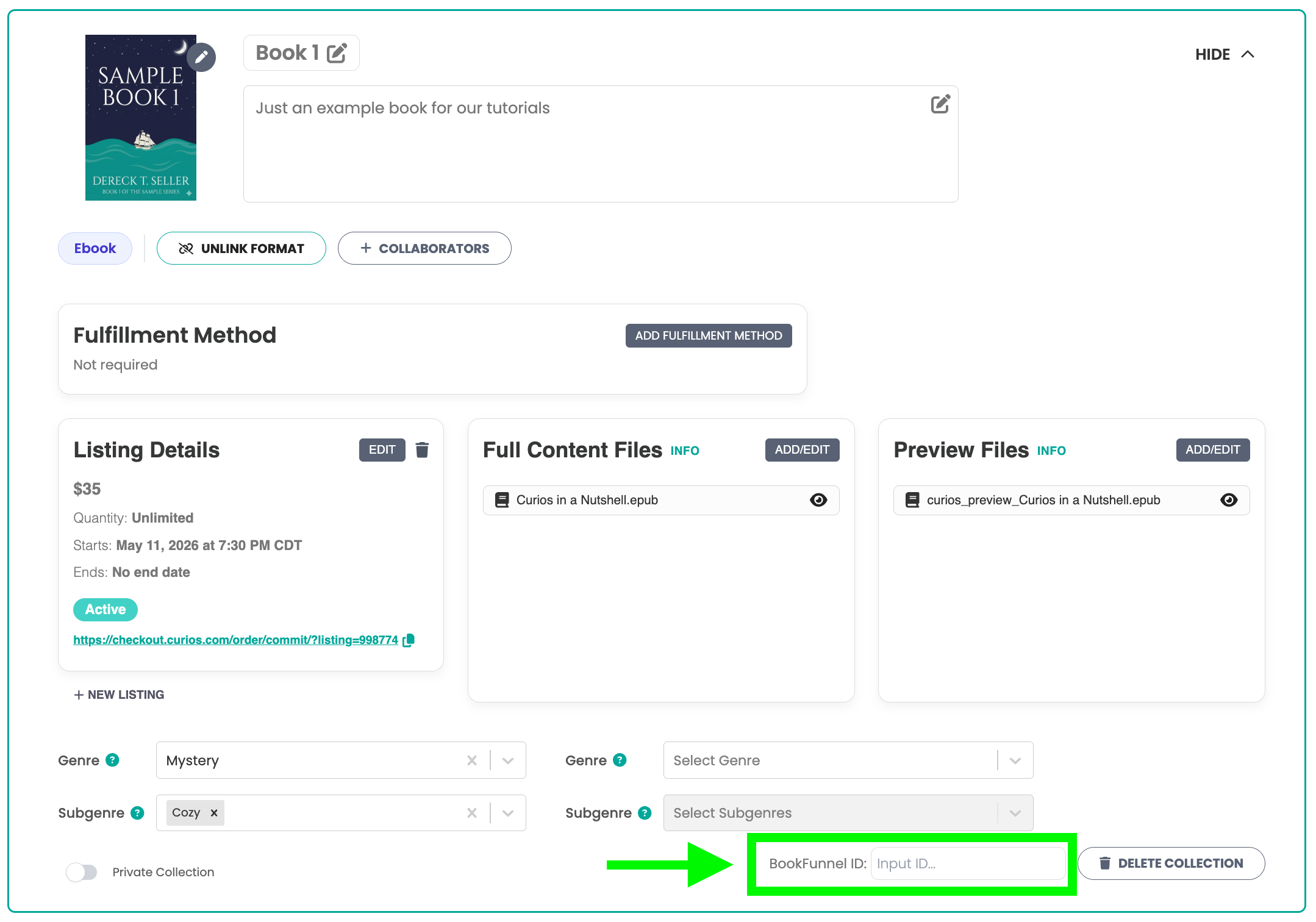
Note: Curios will automatically save this field and you should see a confirmation in the bottom right corner of your screen.

Note 2: You want the BookFunnel ID for the book, not the BookFunnel UID.

Step 9: Repeat this for any ebooks or audiobooks that you have listed on Curios that you would like to add BookFunnel as an additional delivery option.
What Adding BookFunnel Does to Your Curios Books
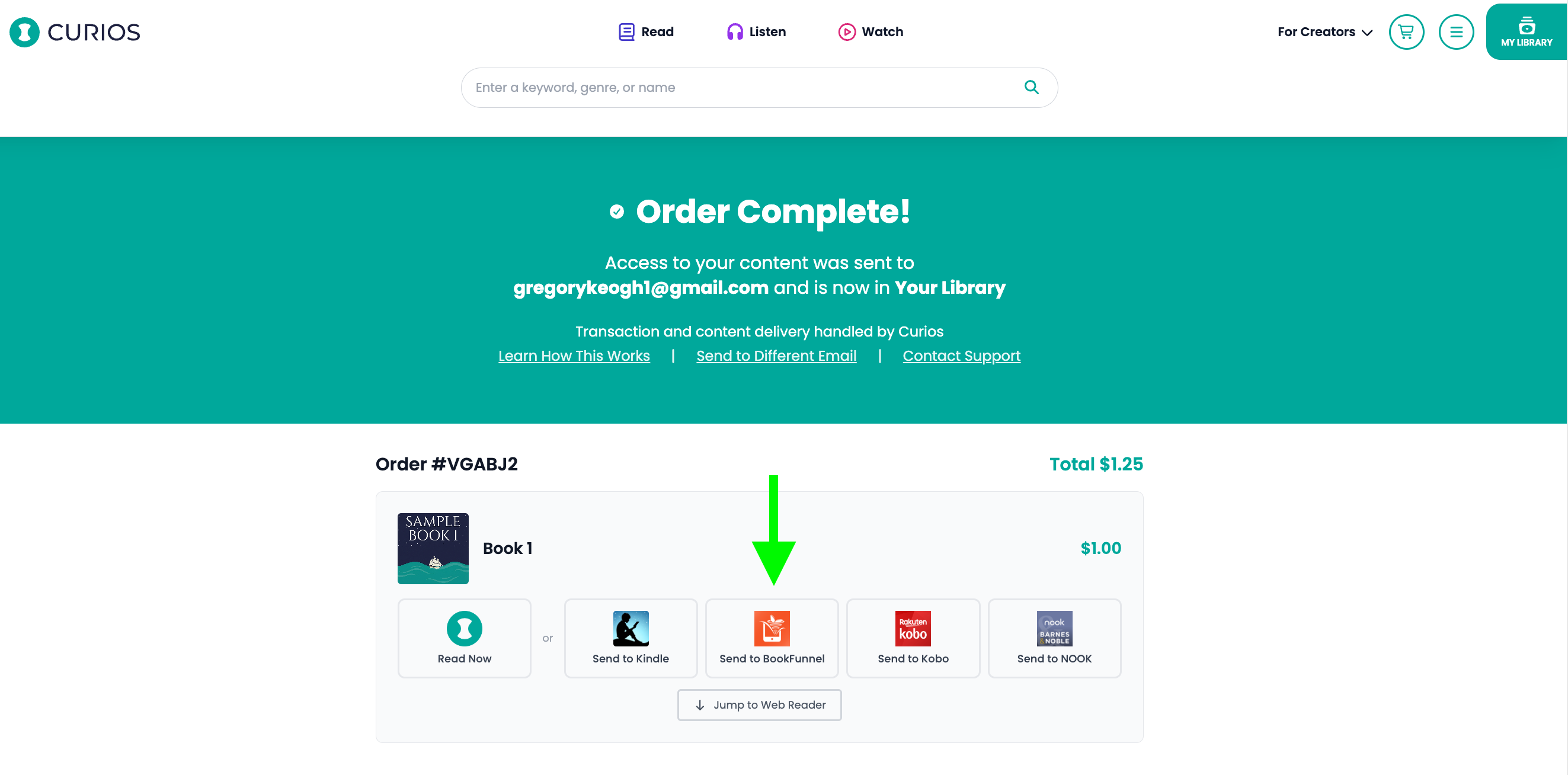
Connecting your BookFunnel account and adding your Book IDs offers any purchasers of your content the ability to read/listen to that content on the BookFunnel app or use BookFunnel's delivery mechanisms to get their book to Kindle, Nook, Kobo or other readers.
It looks like this for the customers after they make an order:
Related articles
- TutorialTurn a Standalone Book into Part of a SeriesThis tutorial shows you how to turn a standalone book into part of a series: set up the series, move each book into it, then group each book's formats so readers see every format on one product page.
- TutorialUpload a Multi-Format Book SeriesThis tutorial walks you through setting up a three-book series on Curios, with an ebook, an audiobook, a paperback and a combo pack for every book, all in one pass.
- TutorialCreate a Combo Pack on CuriosThis tutorial walks you through creating a combo pack, such as an ebook plus a signed paperback, sold together at one price.