
Upload and Sell Bundles or Box Sets
On this page
This tutorial will walk you through how to create and list an ebook or audiobook bundle or box set on Curios.
Bundles and Box Sets are similar and will be used interchangeably in this tutorial. A box set is usually all books within one series, while a Bundle is a collection of books.
Step 1: Login to The Curios Studio and Click "+ Publish"
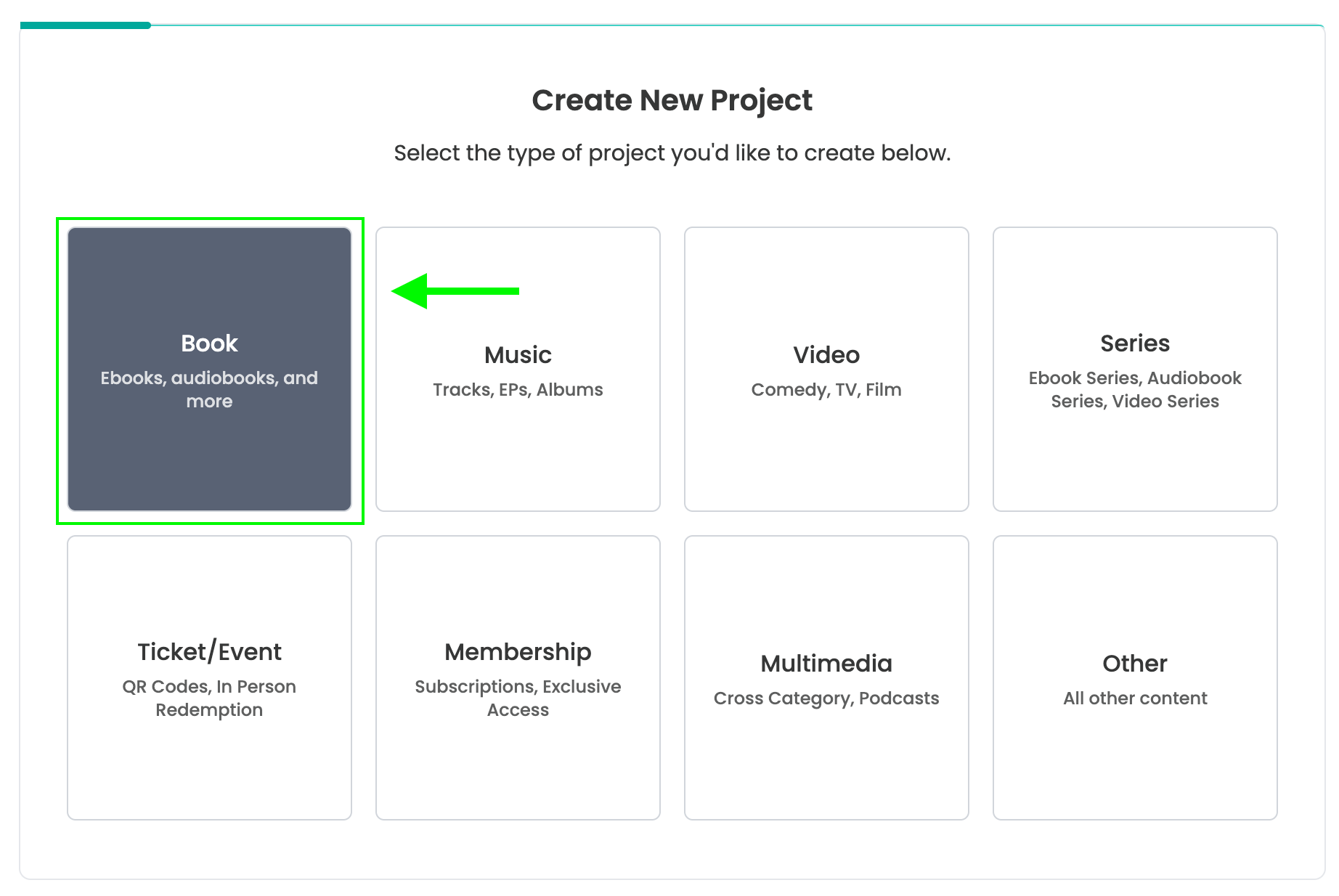
Login to studio.curios.com and click "+ Publish" in the left hand menu then select Book
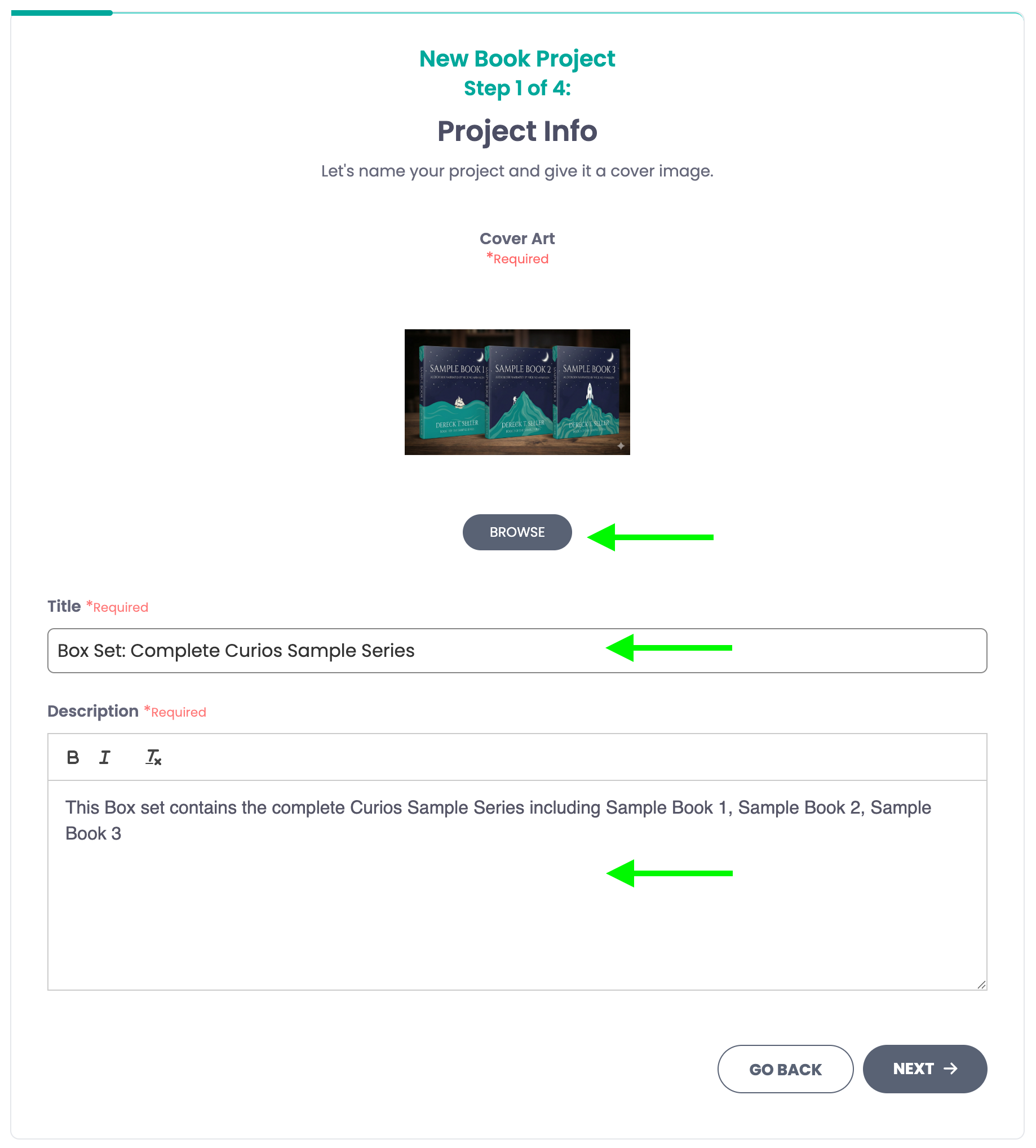
Step 2: Add the information for the box set or bundle
The title should include the words Bundle or Box Set to help the buyer have absolute clarity.
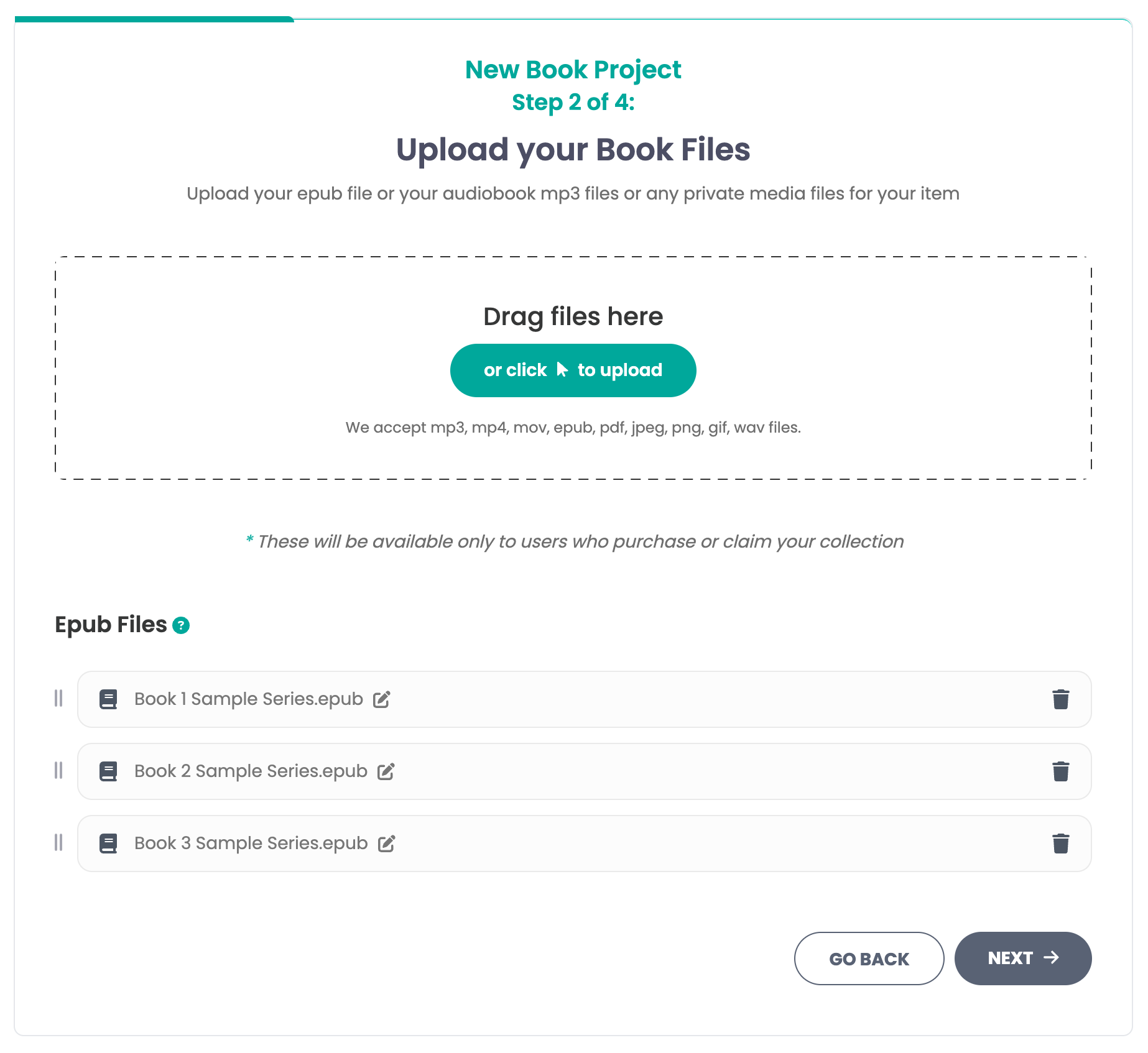
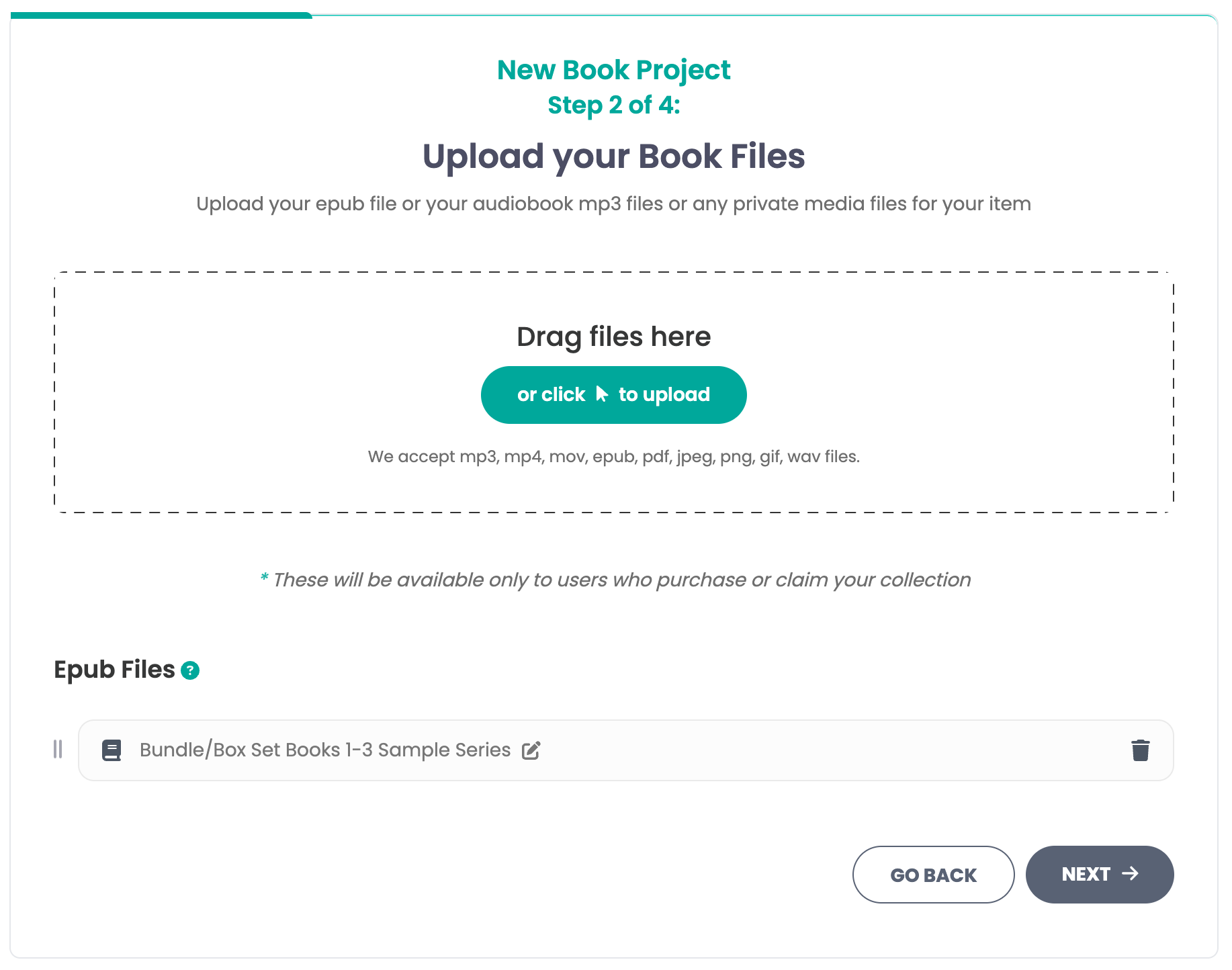
Step 3: Add the files for the box set or bundle
For Ebooks: Some authors have box sets already compiled into one epub file, others upload each epub file for the series.
For audiobooks: upload all mp3 files as one giant collection.
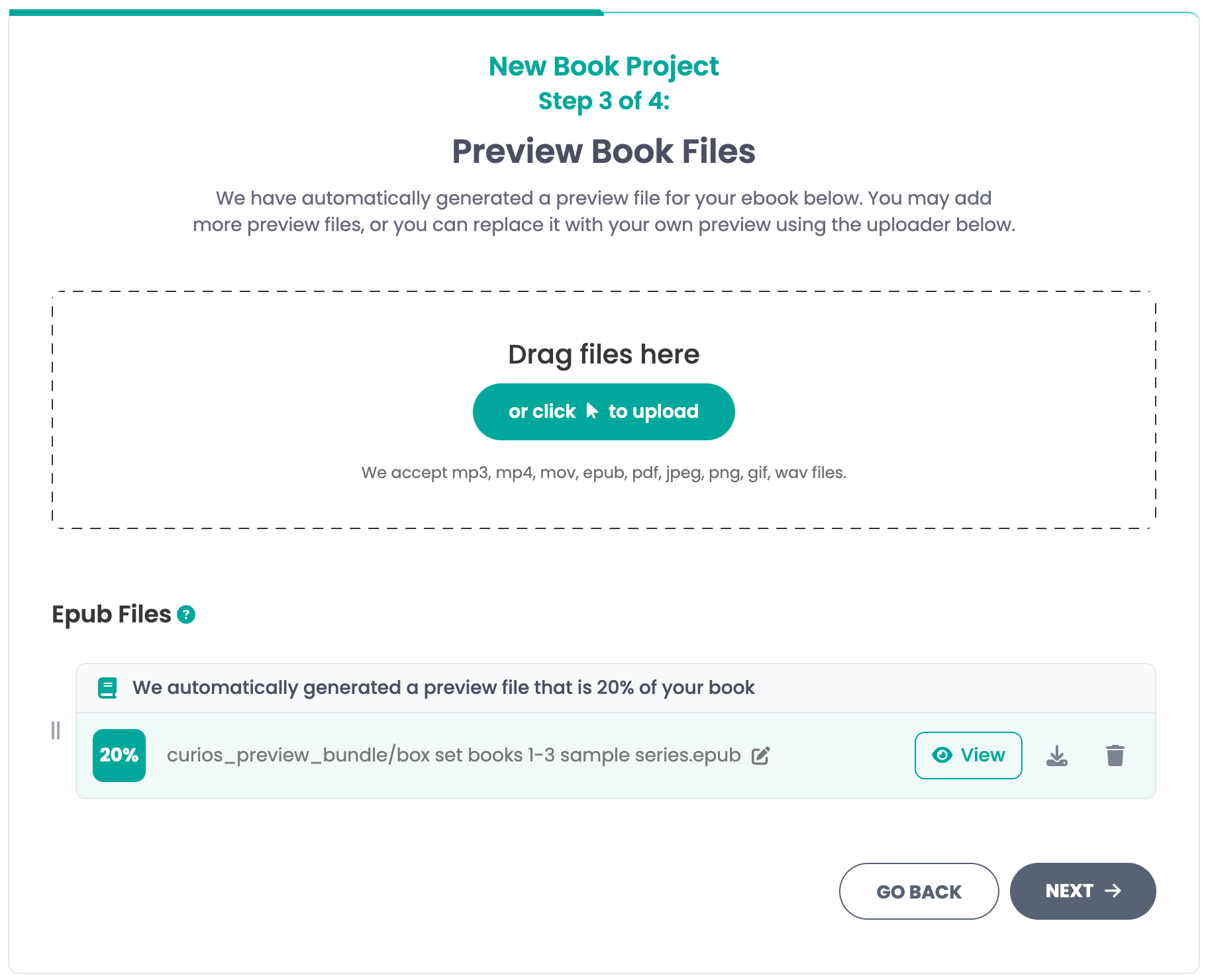
Step 4: Upload the Preview Files for the Bundle or Box Set
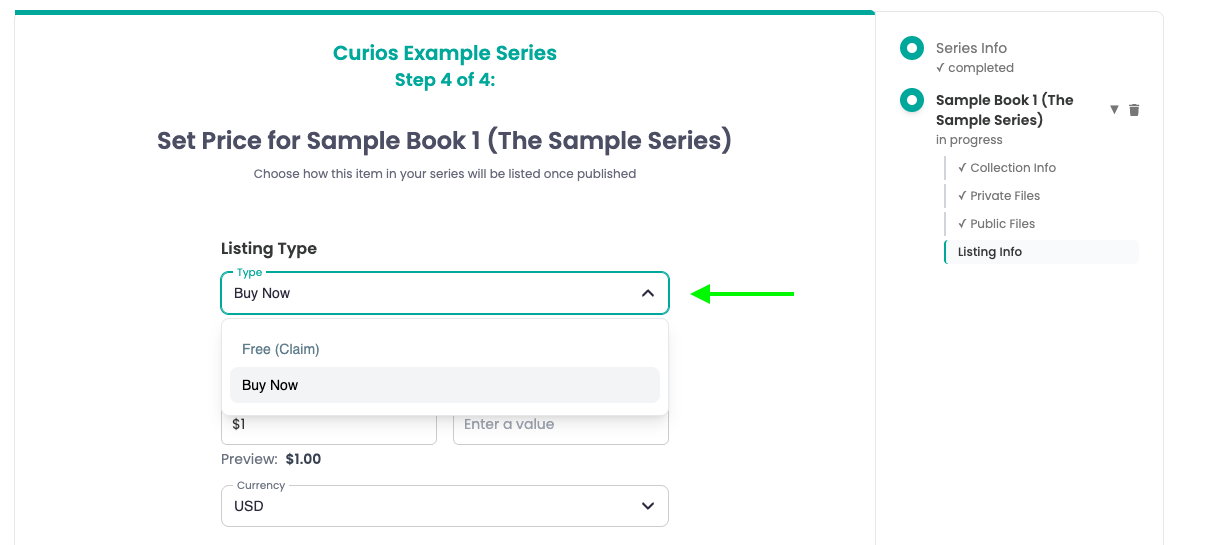
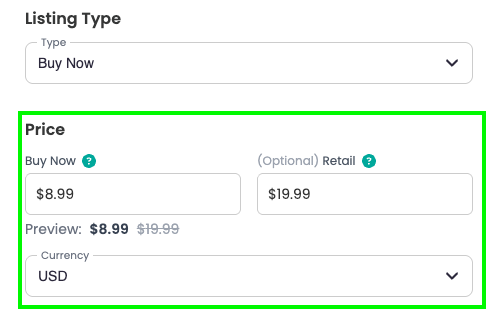
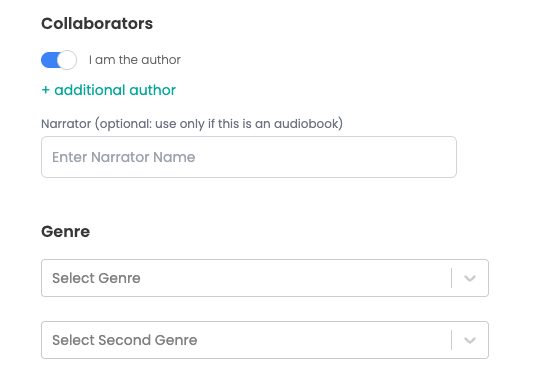
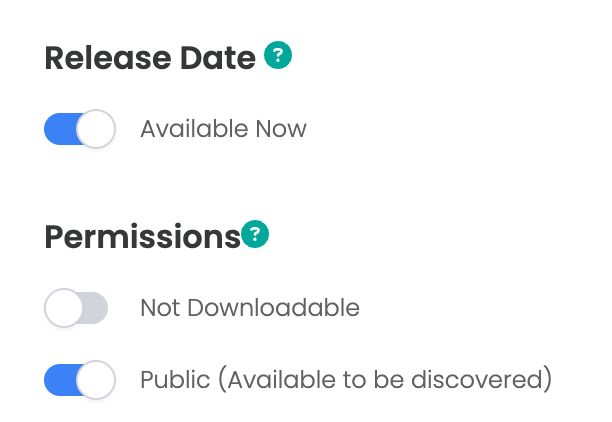
Step 5: Enter the price, book information, and set permissions

Step 6: Check
If you run into any issues you can always contact curios support, we are here to help!
Related articles
- TutorialTurn a Standalone Book into Part of a SeriesThis tutorial shows you how to turn a standalone book into part of a series: set up the series, move each book into it, then group each book's formats so readers see every format on one product page.
- TutorialUpload a Multi-Format Book SeriesThis tutorial walks you through setting up a three-book series on Curios, with an ebook, an audiobook, a paperback and a combo pack for every book, all in one pass.
- TutorialCreate a Combo Pack on CuriosThis tutorial walks you through creating a combo pack, such as an ebook plus a signed paperback, sold together at one price.