
Self Fulfilled Shipping on Curios
On this page
You can sell physical books, including paperbacks, hardcovers, special editions, signed books, merchandise, and any combination of the above on Curios.
Note: This is currently in private beta, if you want access to this feature please email [email protected].
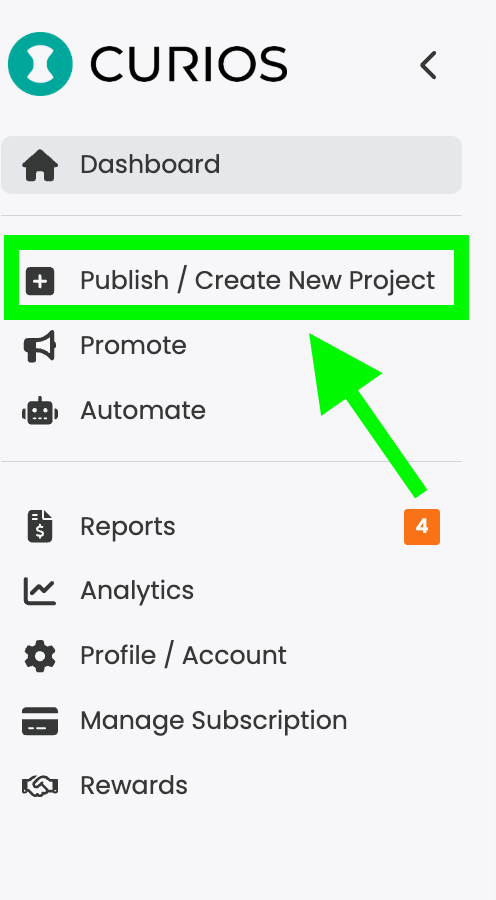
Step 1: Login to studio.curios.com and click "+ Publish/ Create New Project"
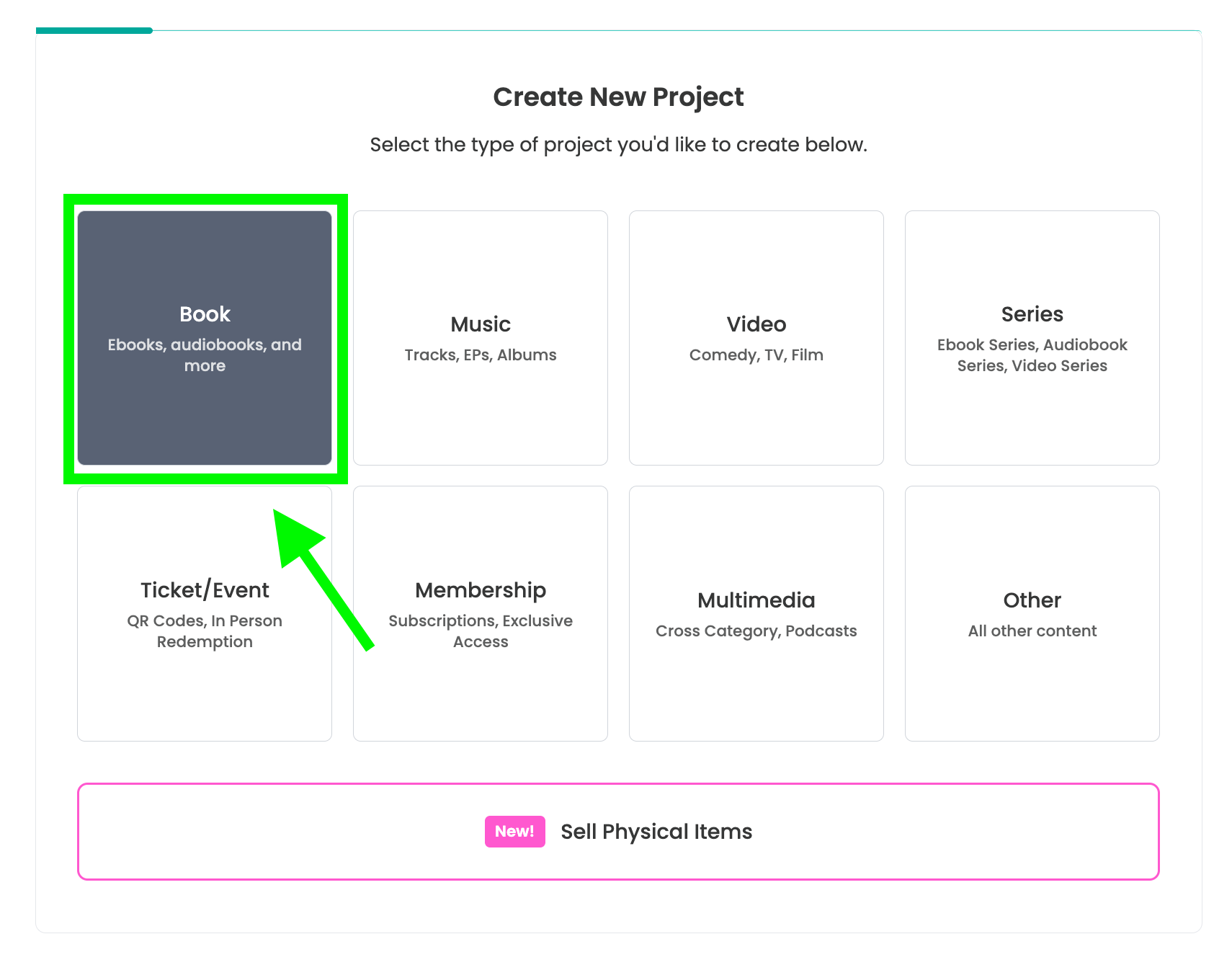
Step 2: Select "Book" from the Project Types
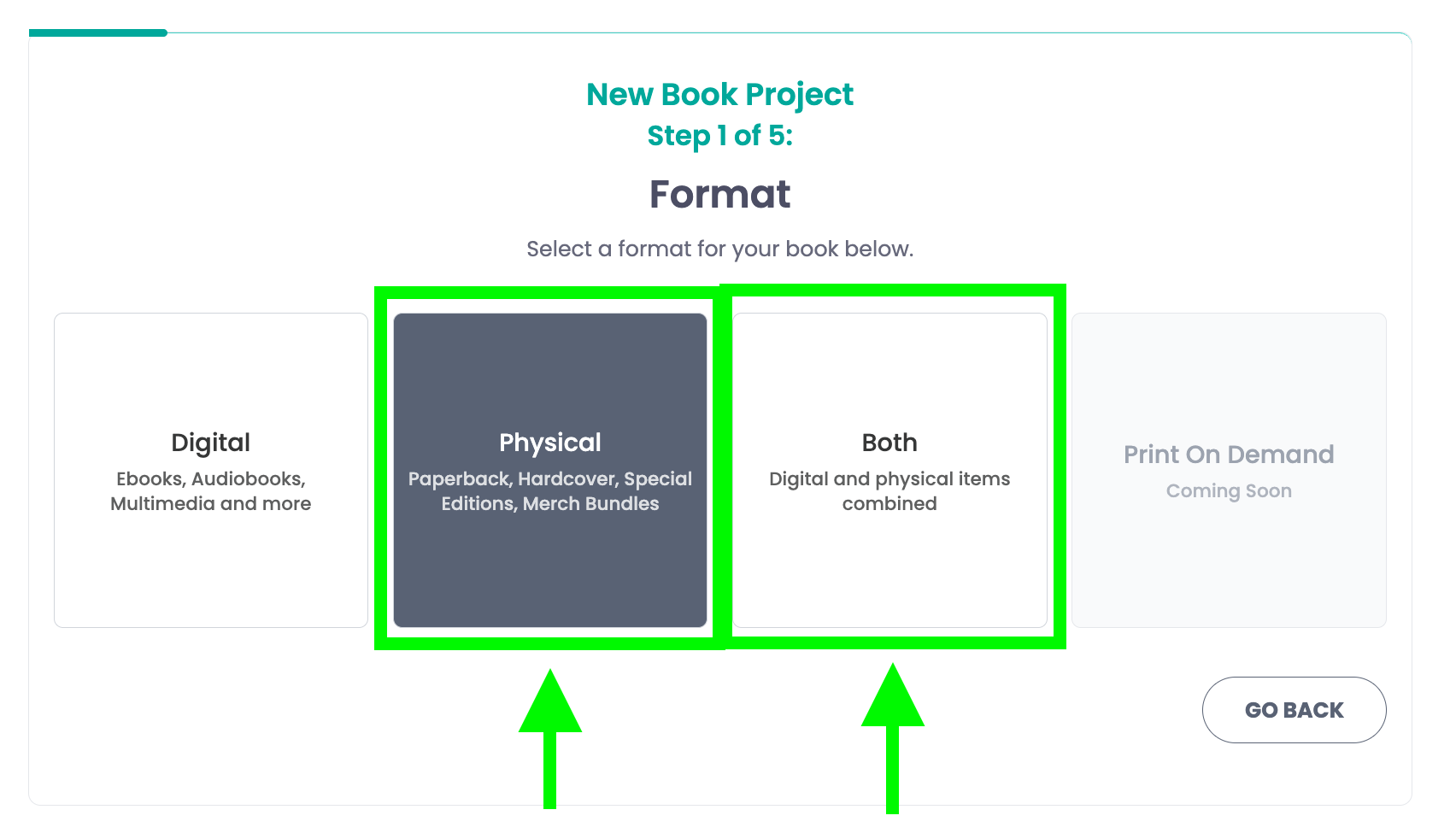
Step 3: Select either physical or both
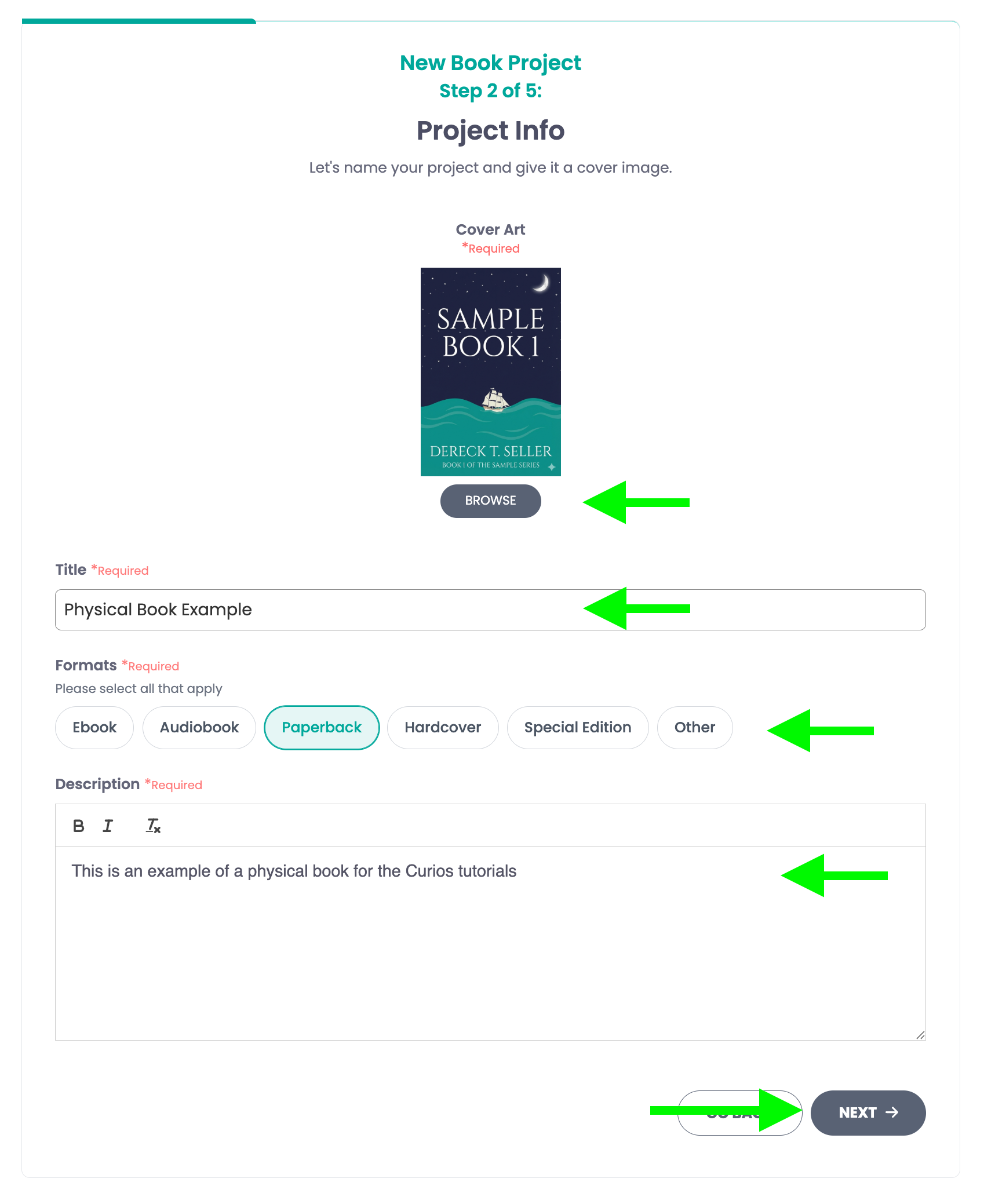
Step 4: Add a cover image, a title, select the format, and add a description
Note: Select only the formats included in this offering. If offering multiple formats, create a separate listing for each.
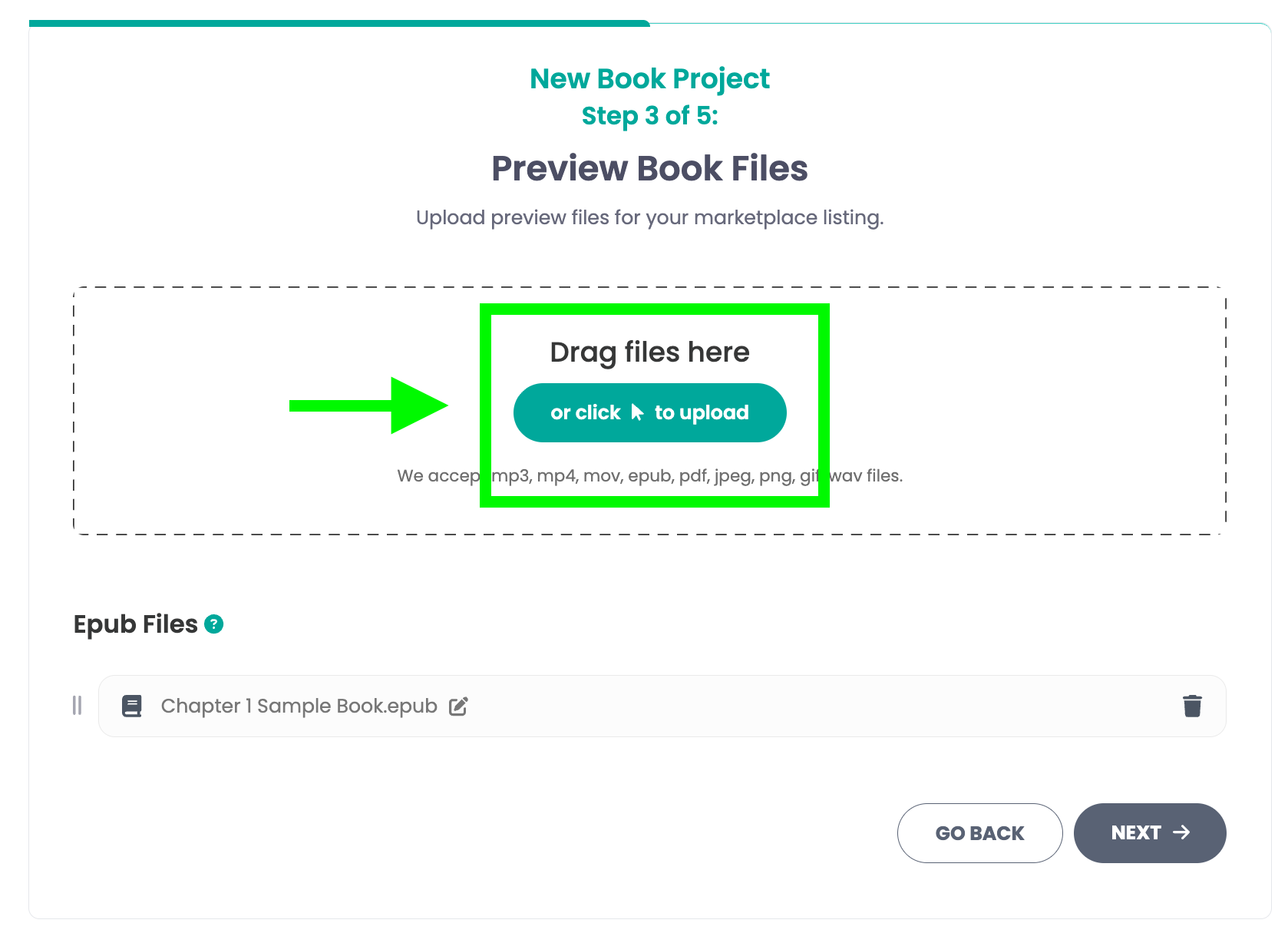
Step 5: Add a preview file
Add a preview file for your book if you have one, if not just click "Next" to skip.
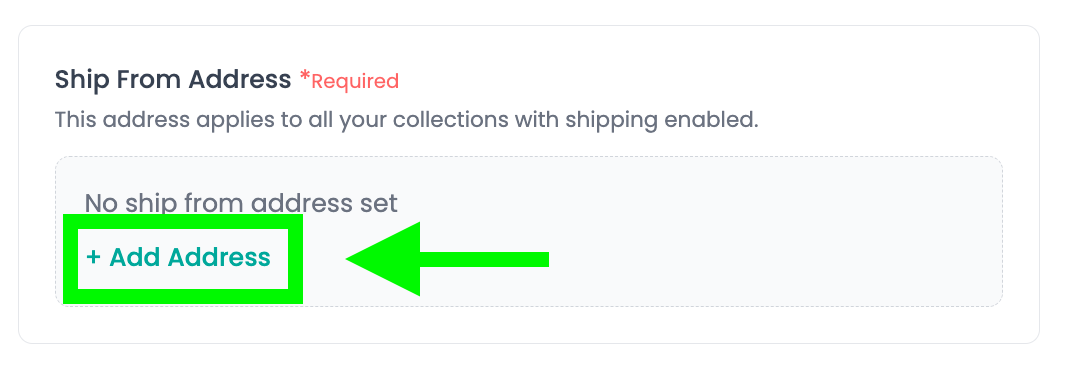
Step 6A: Set your "Ship From Address"
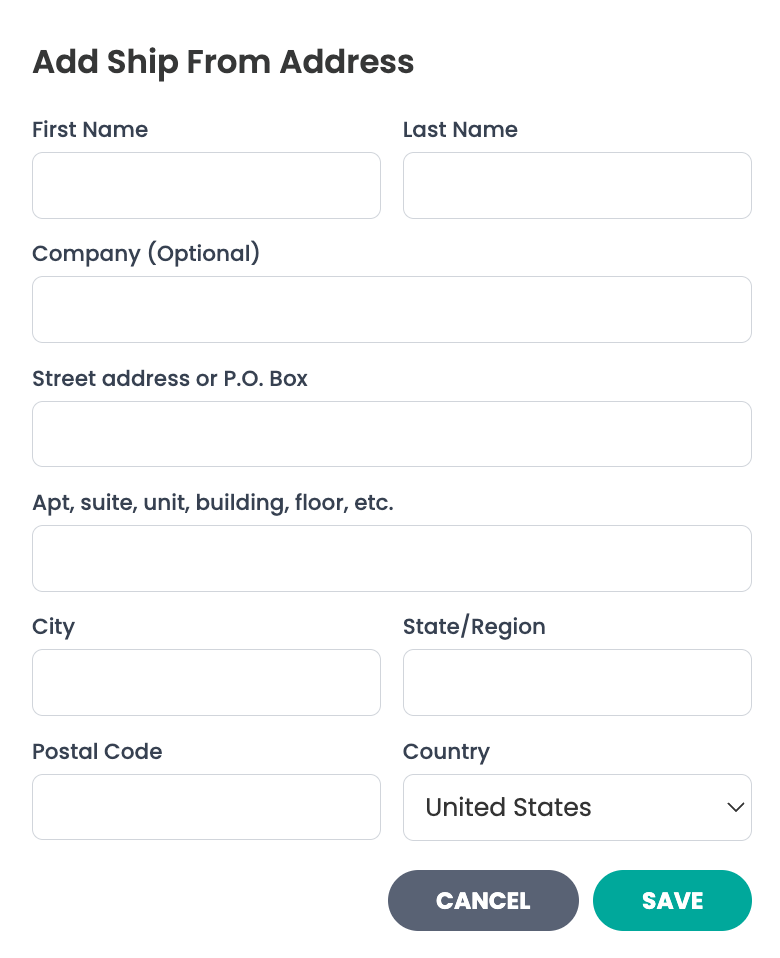
Click "+ Add Address" and fill out the information to set a "Ship From Address". This is the address that you will be sending the packages from. We will use this information to calculate how much to collect from the buyer for shipping.
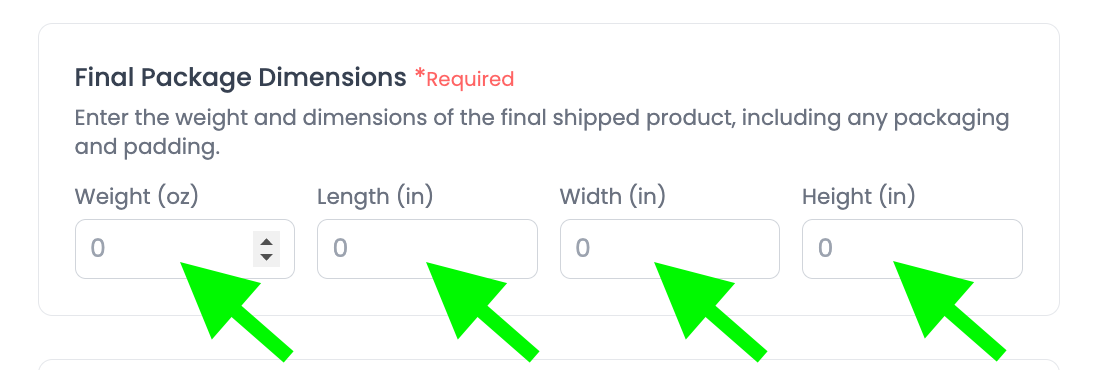
Step 6B: Enter the Package Dimensions
Note: Enter the total weight and final package dimensions for the entire shipment, including all items in this collection and any packing materials.
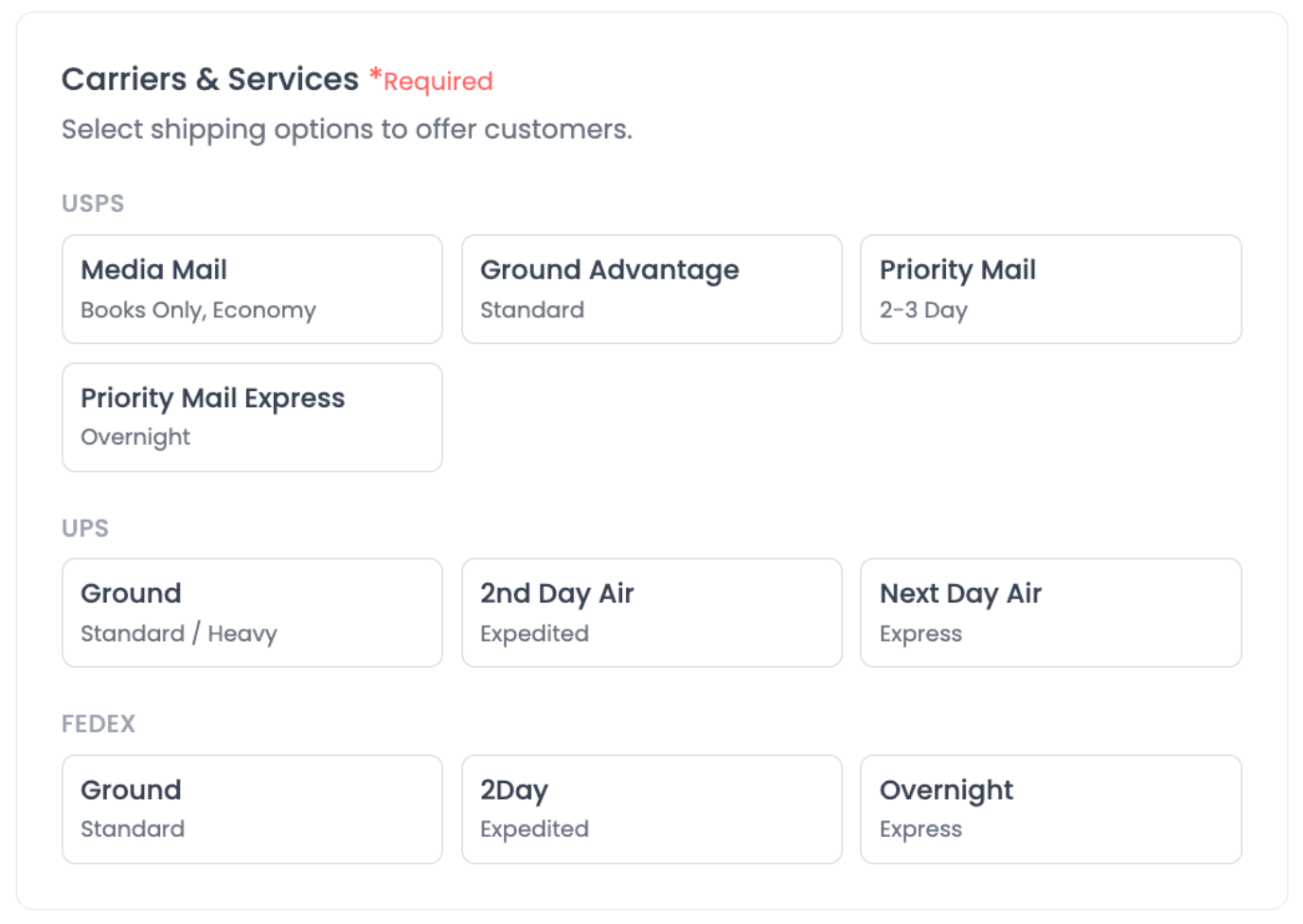
Step 6C: Select carriers and shipping speeds
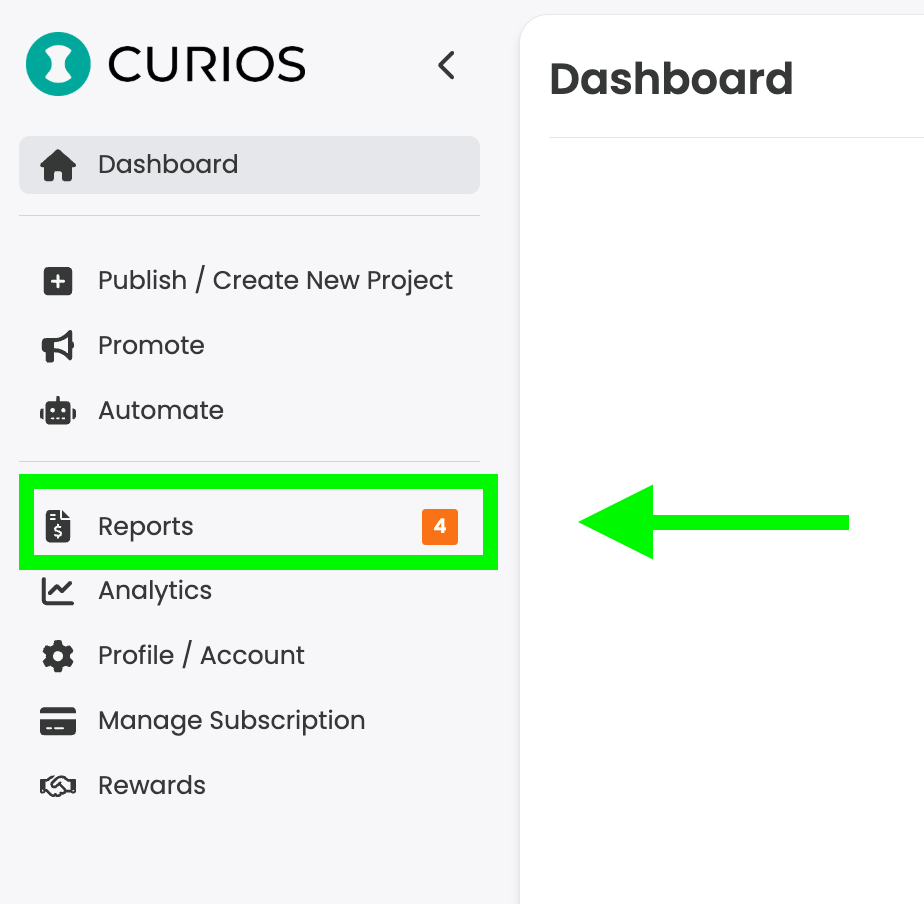
Step 9: Locate Your Orders That Require Shipping
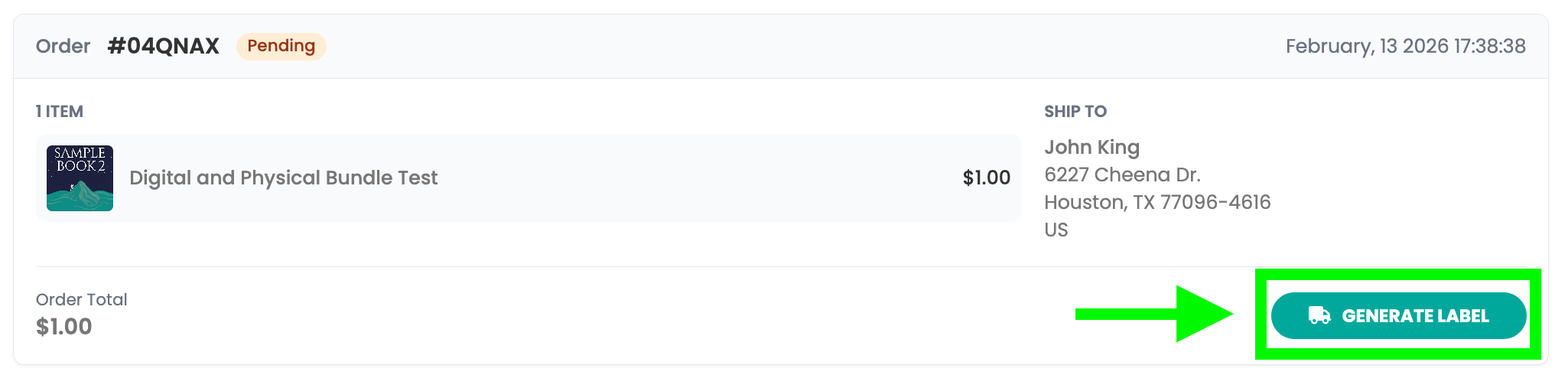
Step 10: Generate Shipping Label
If you run into any issues you can always contact Curios support, we are here to help!
Related articles
- TutorialCreate Coupon CodesRun a sale, reward your newsletter or thank a superfan. Create a discount code and choose what it covers, when it runs and how many times it can be used.
- TutorialConnect Meta Pixel and Conversions APISee which Facebook and Instagram ads actually sell your books. Connect your Meta Pixel and the Conversions API in about five minutes, with no developer needed.
- TutorialSet Up Your Affiliate ProgramLet other creators and fans sell your work for a commission you set. Choose your products, check your take-home, and share your catalog link.